AI Applications
The work your team repeats, built into one application.
Reports, dashboards, client portals and agents, each one shaped to how your team works and built on your own information.
All applications
Explore by business function
Every application at a glance
Choose an industry to see the question each application answers there.
Sales & Growth
Planning & Delivery
Client Health & Profitability
Financial Planning
ROI & Impact
Operations & Support
Technology
Technology we use
Choose a part of the build
Develop the application
At Nine-67, we use Claude Code or Codex to develop each application around the client’s workflow.
- Claude Code
- A coding assistant our team uses to build and refine application code.
- Codex
- An alternative coding assistant our team uses to implement changes and test the application.


A project that illustrates it
Tech Support Agent. In the support workspace, the specialist can review a ticket, inspect a related case, and edit a suggested reply before sending it.
See Tech Support Agent →We select models and integrations for each project. The demos on this site use sample records.
See them working
Open any application
Filter by area of the business
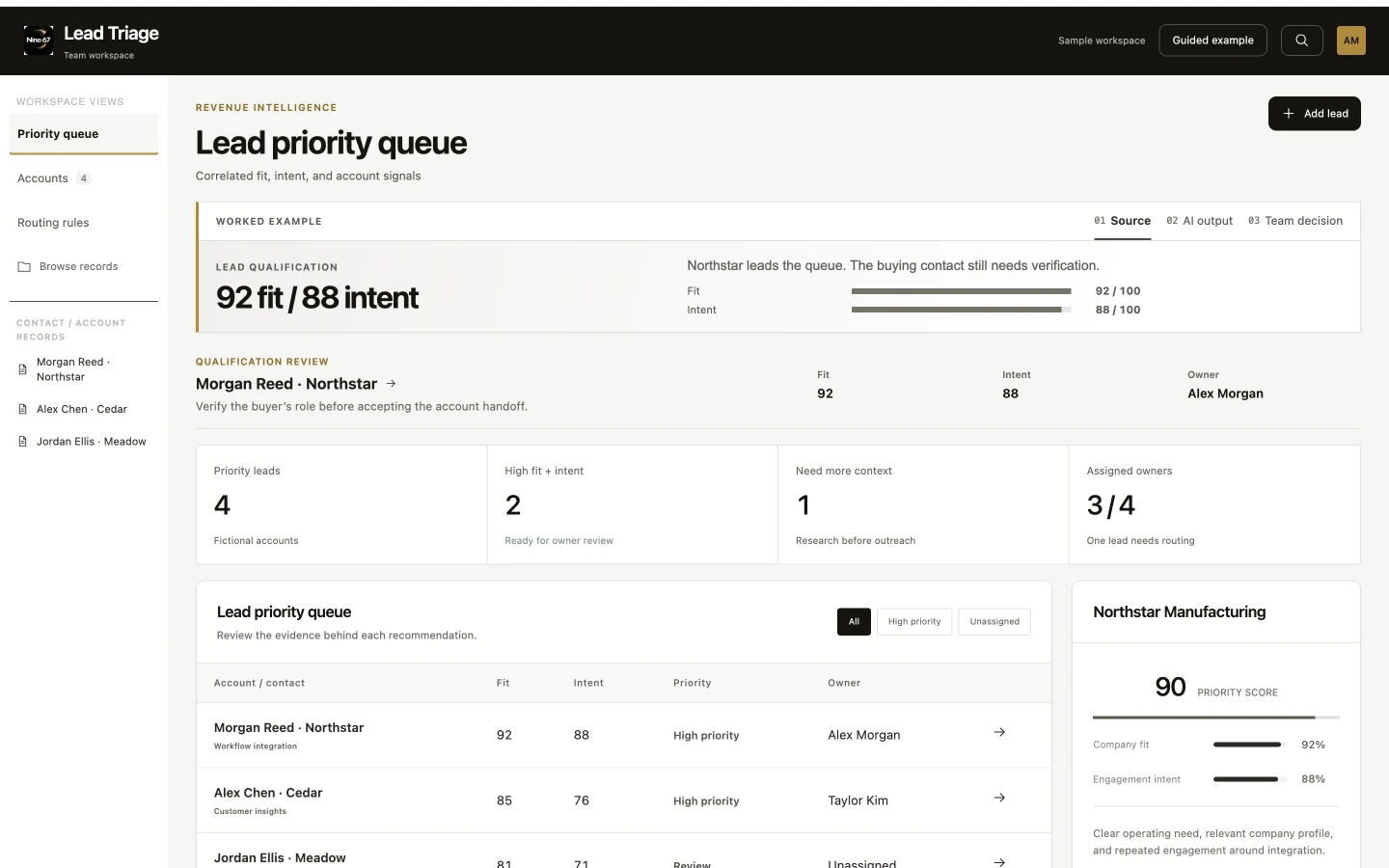 SalesLead TriageKnow which leads to call first.See the application
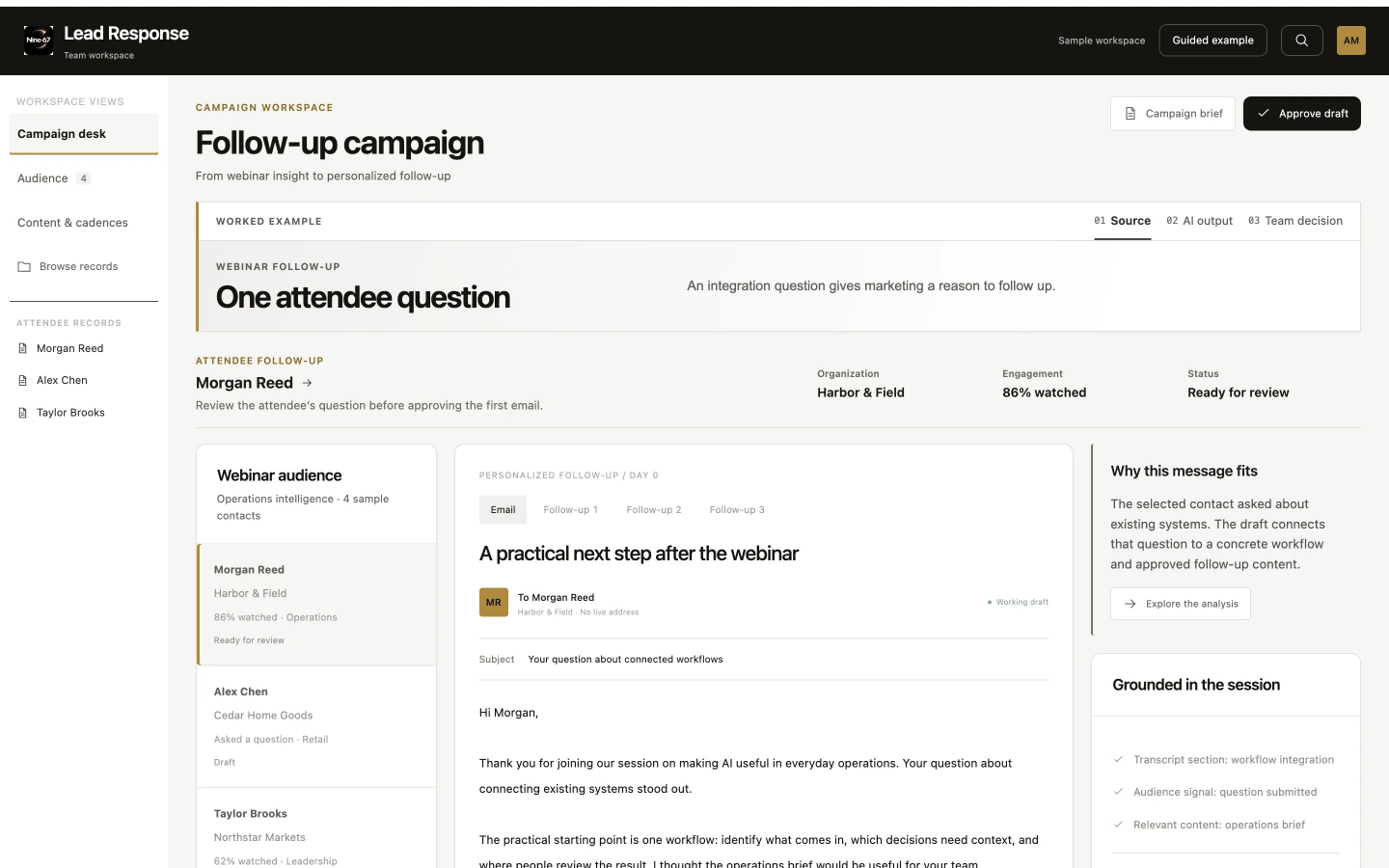 SalesLead ResponseFollow-ups drafted for each lead.See the application
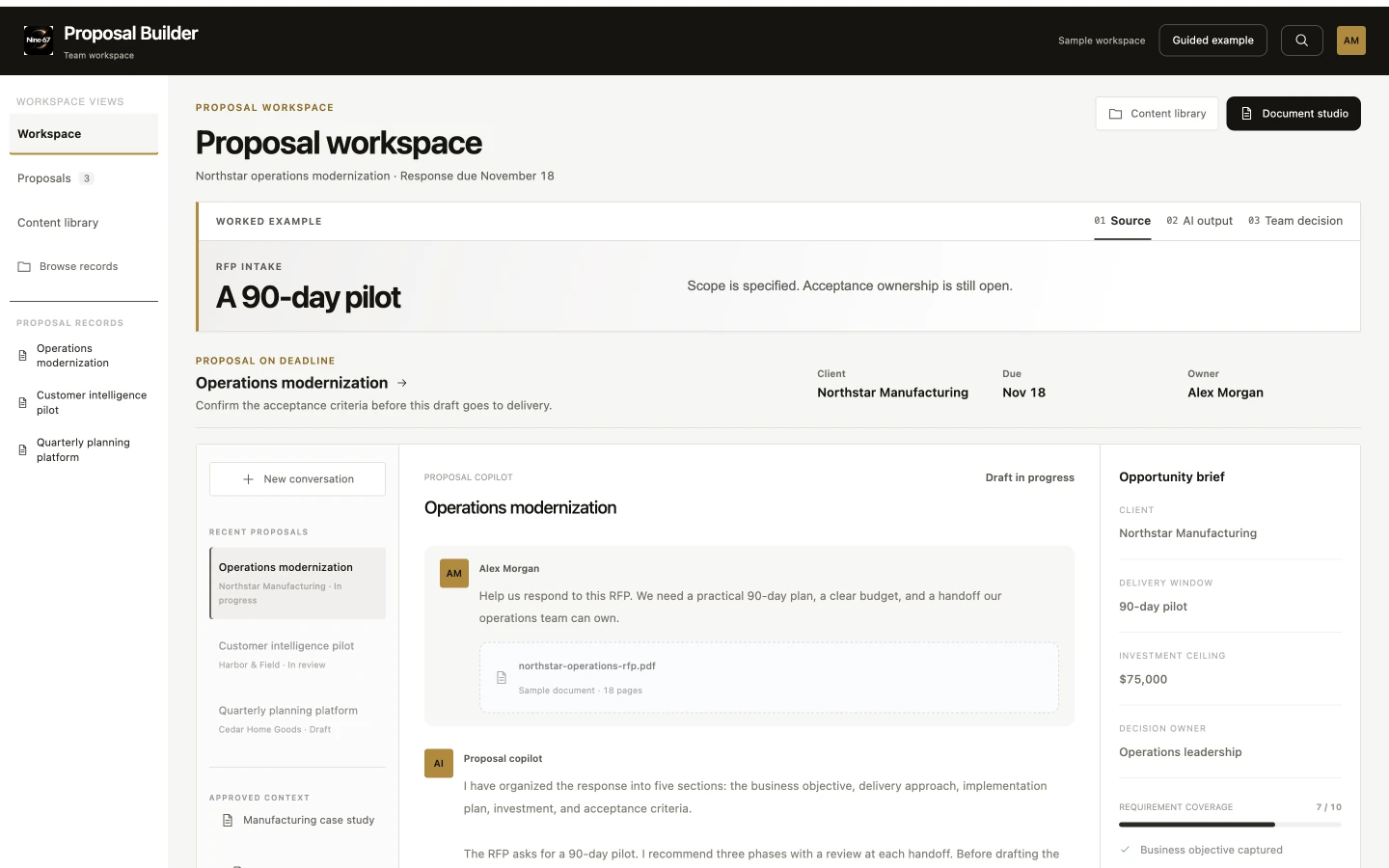 SalesProposal BuilderA first proposal draft from your own past work.See the application
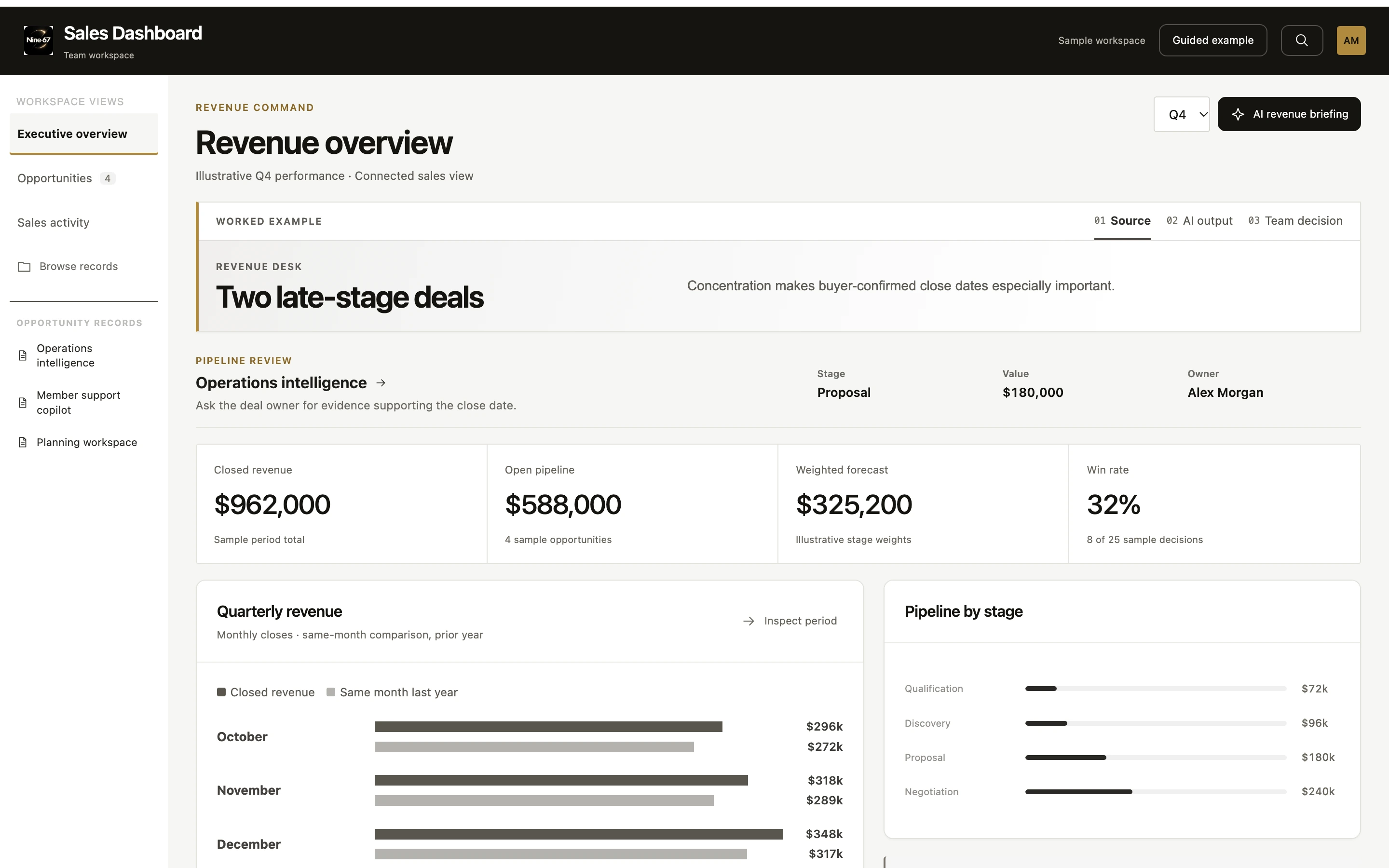
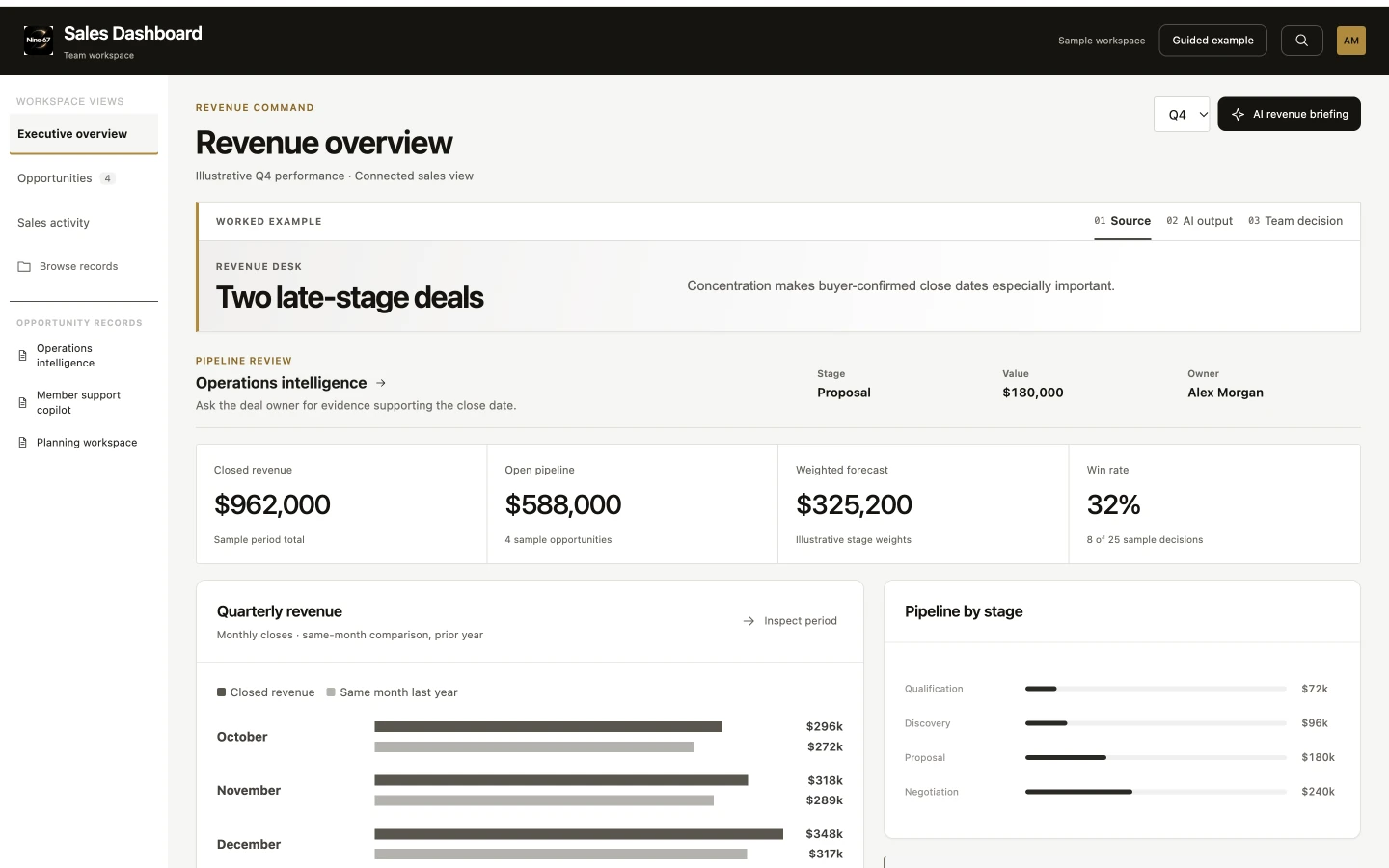 SalesSales DashboardSee where the quarter is heading, and why.See the application
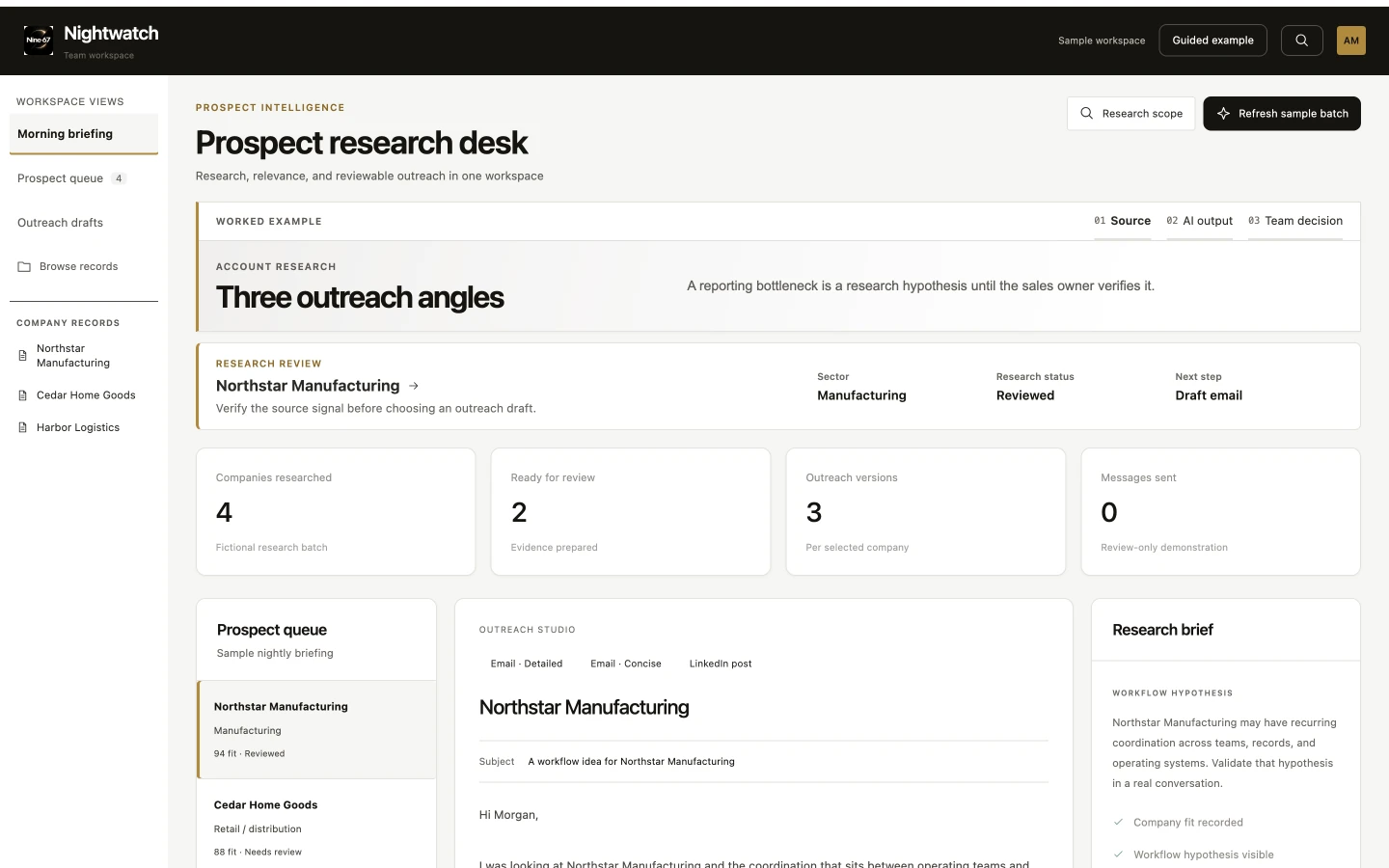 SalesNightwatchKnow the account before you reach out.See the application
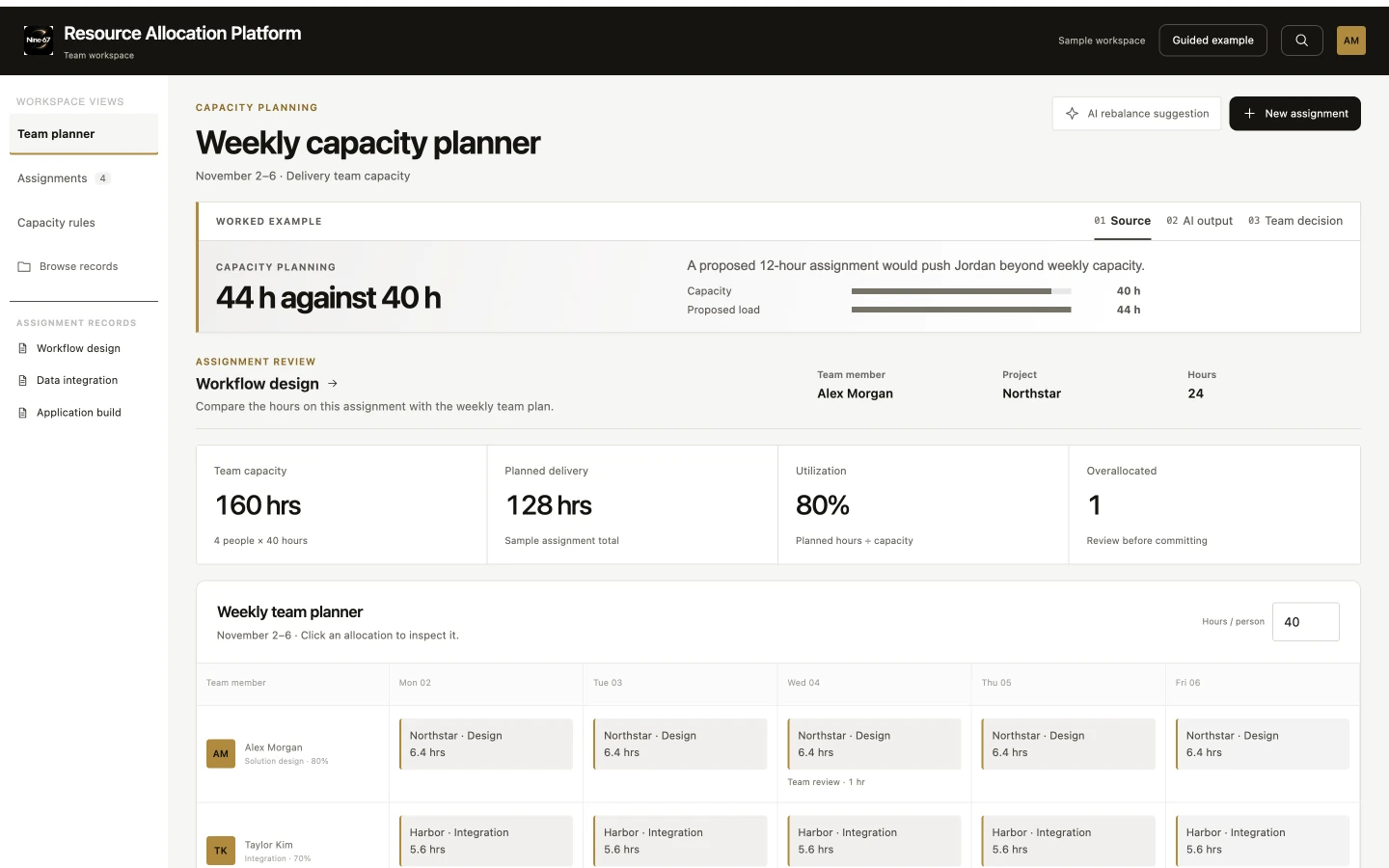 OperationsResource Allocation PlatformSee who has capacity before you assign the work.See the application
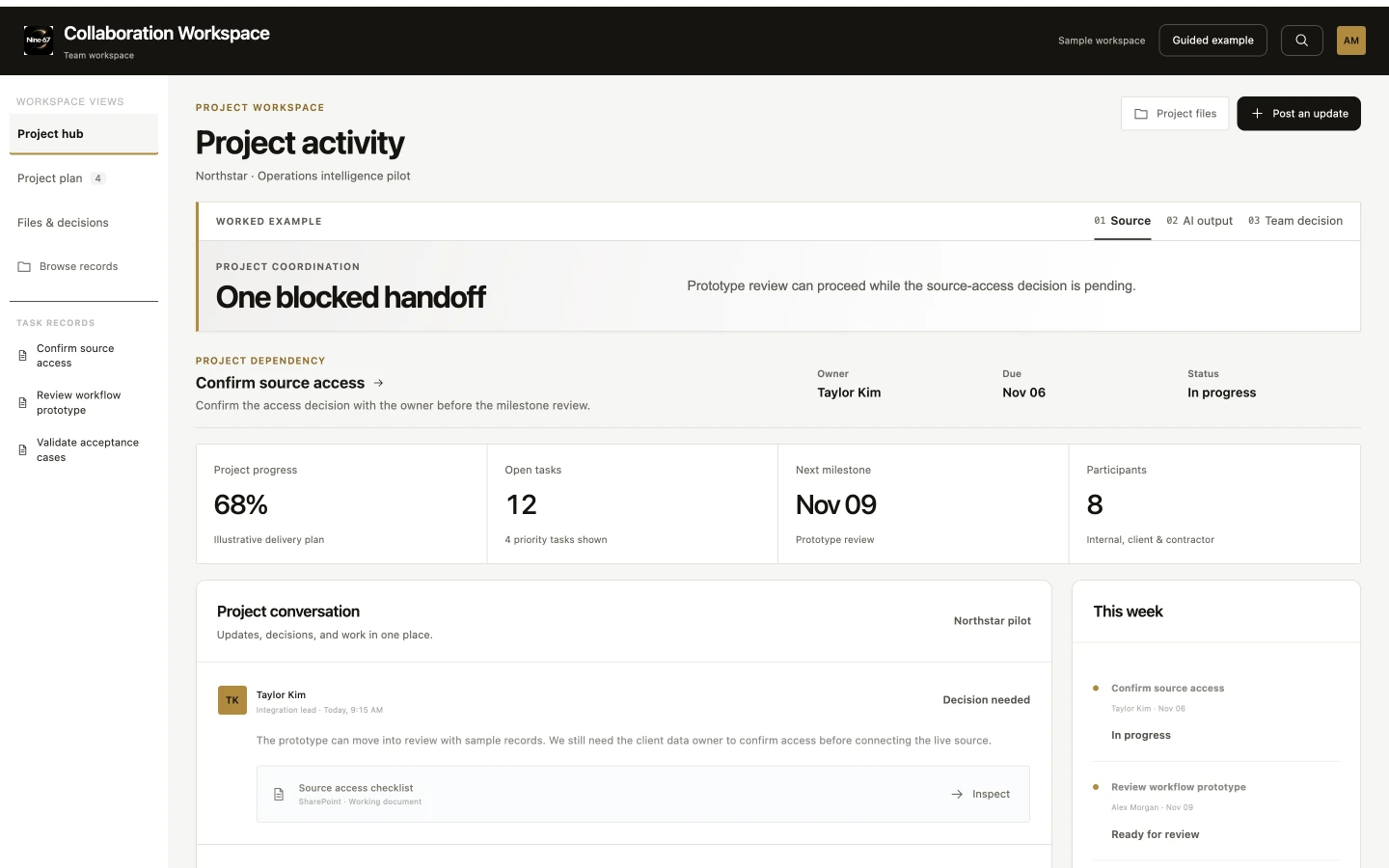 OperationsCollaboration WorkspaceProjects, files and decisions in one place.See the application
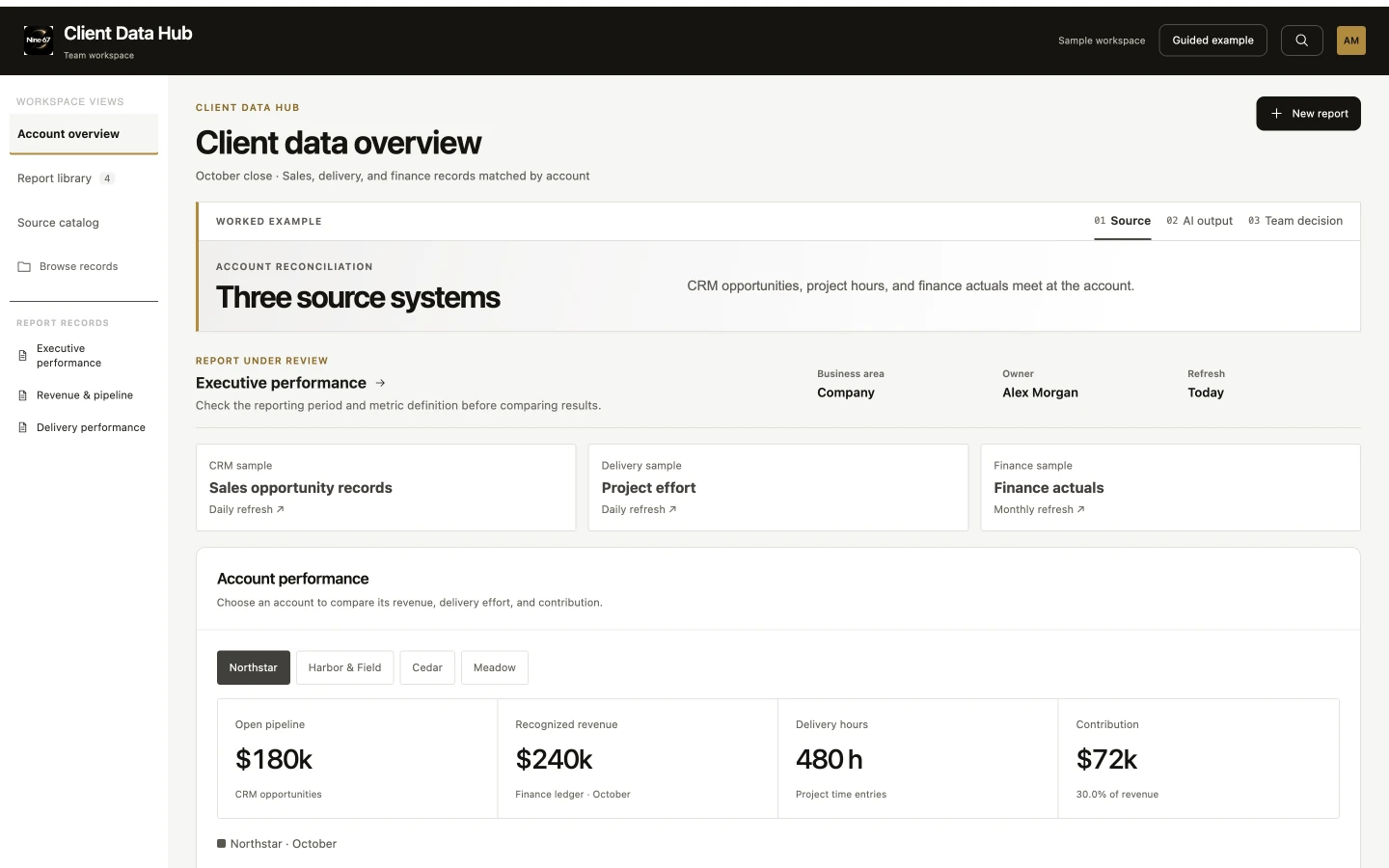 Client serviceClient Data HubSee what is behind every number in the report.See the application
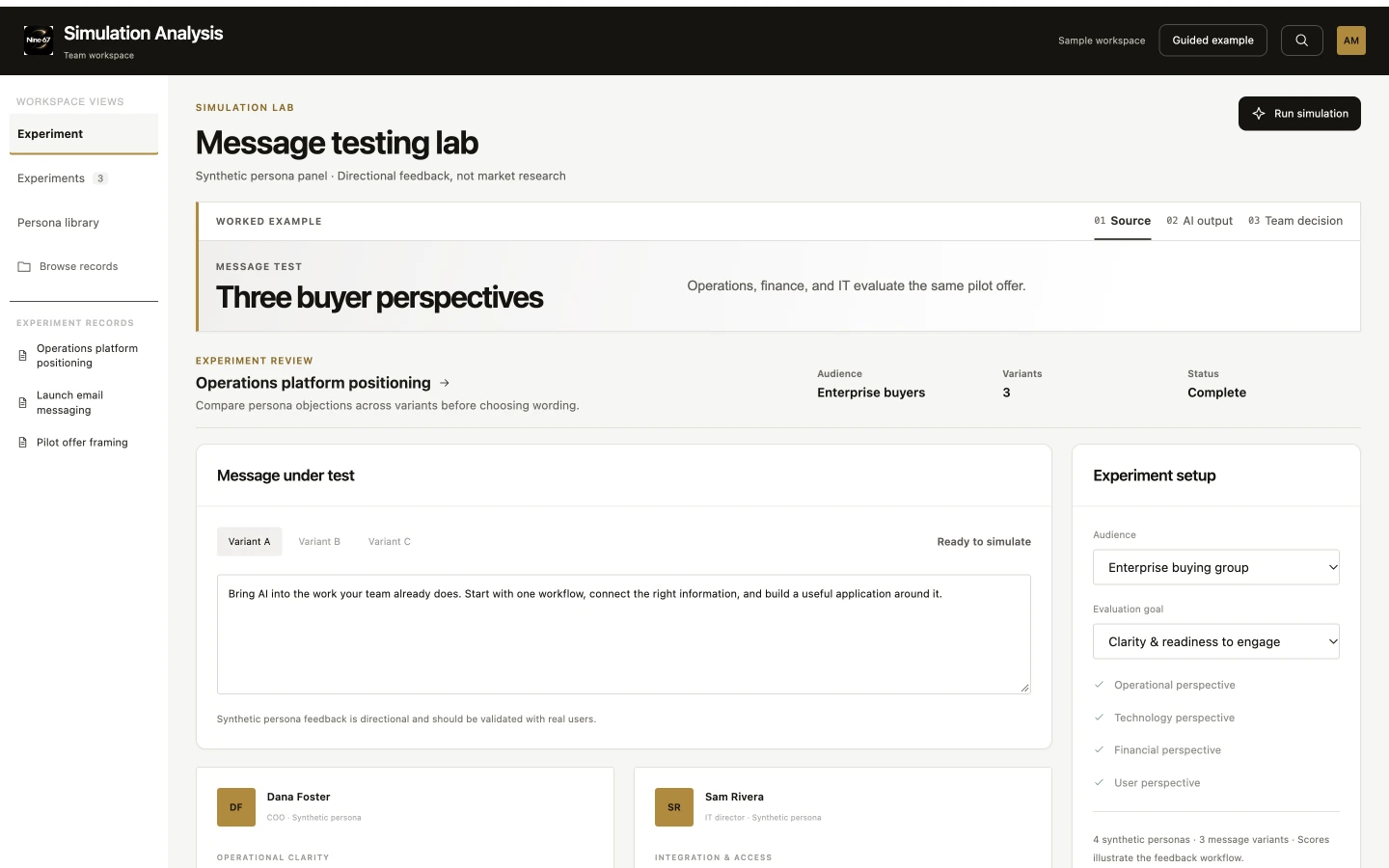 SalesSimulation AnalysisTest a message before you send it.See the application
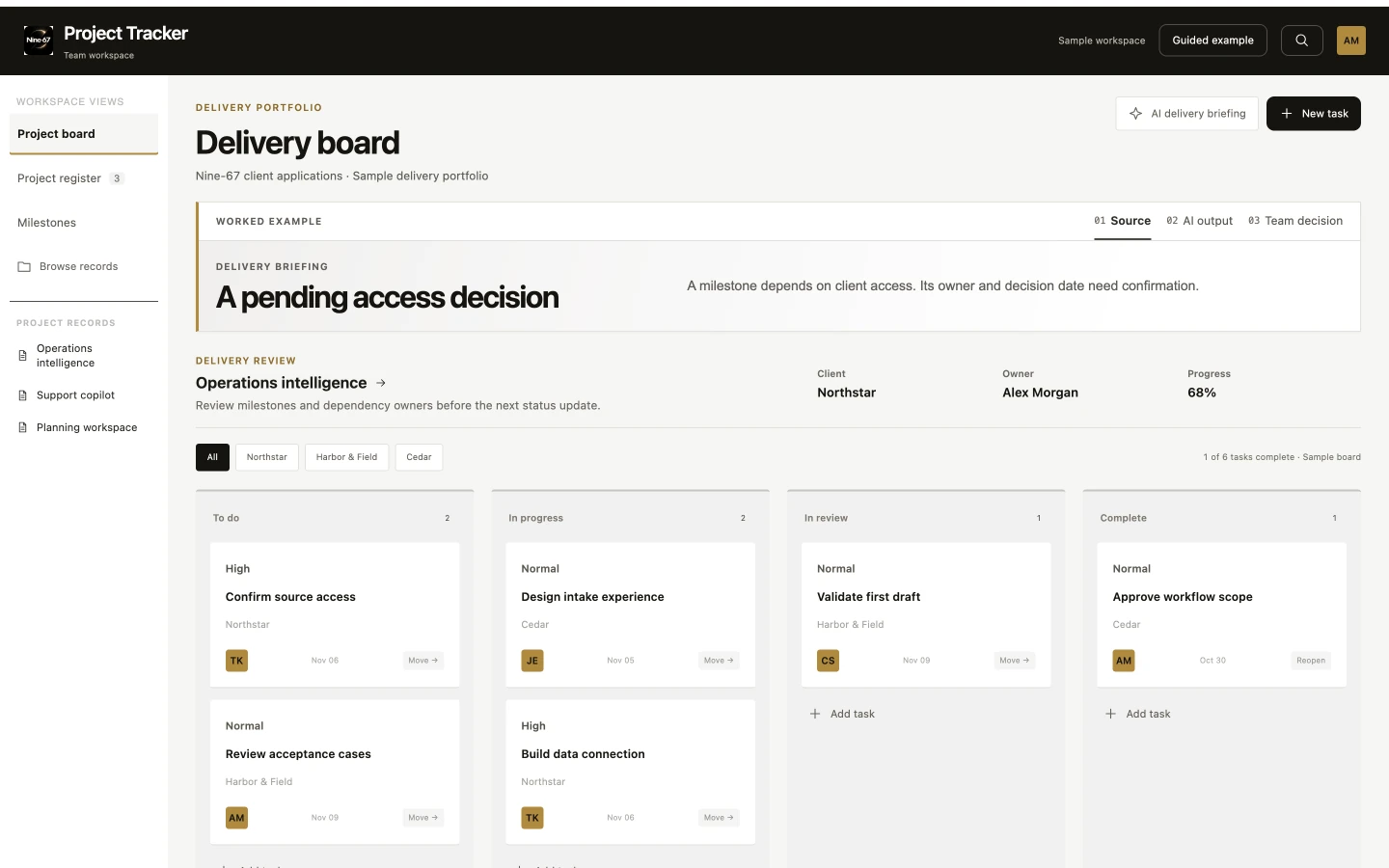 OperationsProject TrackerSee the dependency behind the delay.See the application
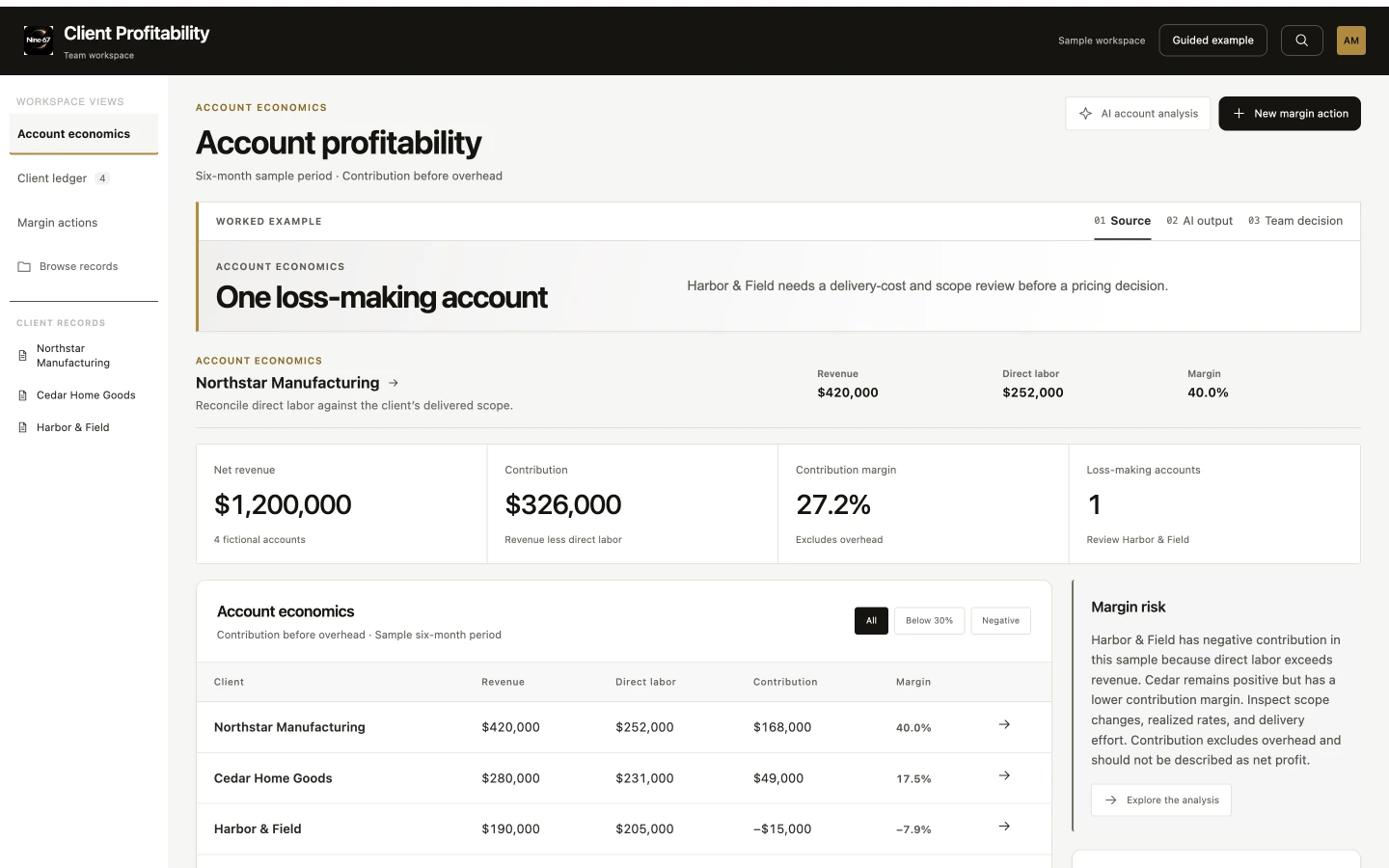 FinanceClient ProfitabilitySee which accounts make money, and why.See the application
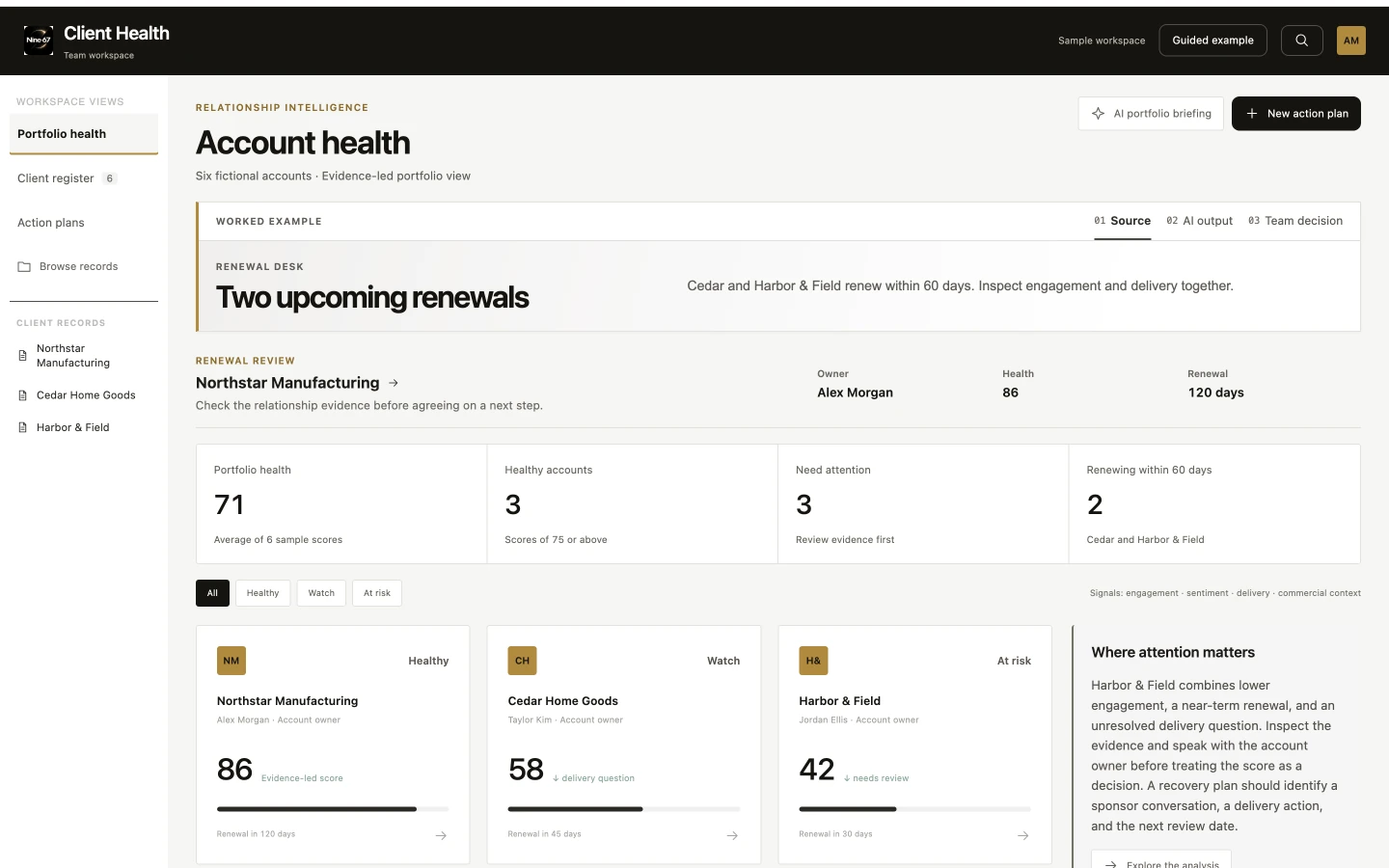 Client serviceClient HealthSee the account that needs a conversation.See the application
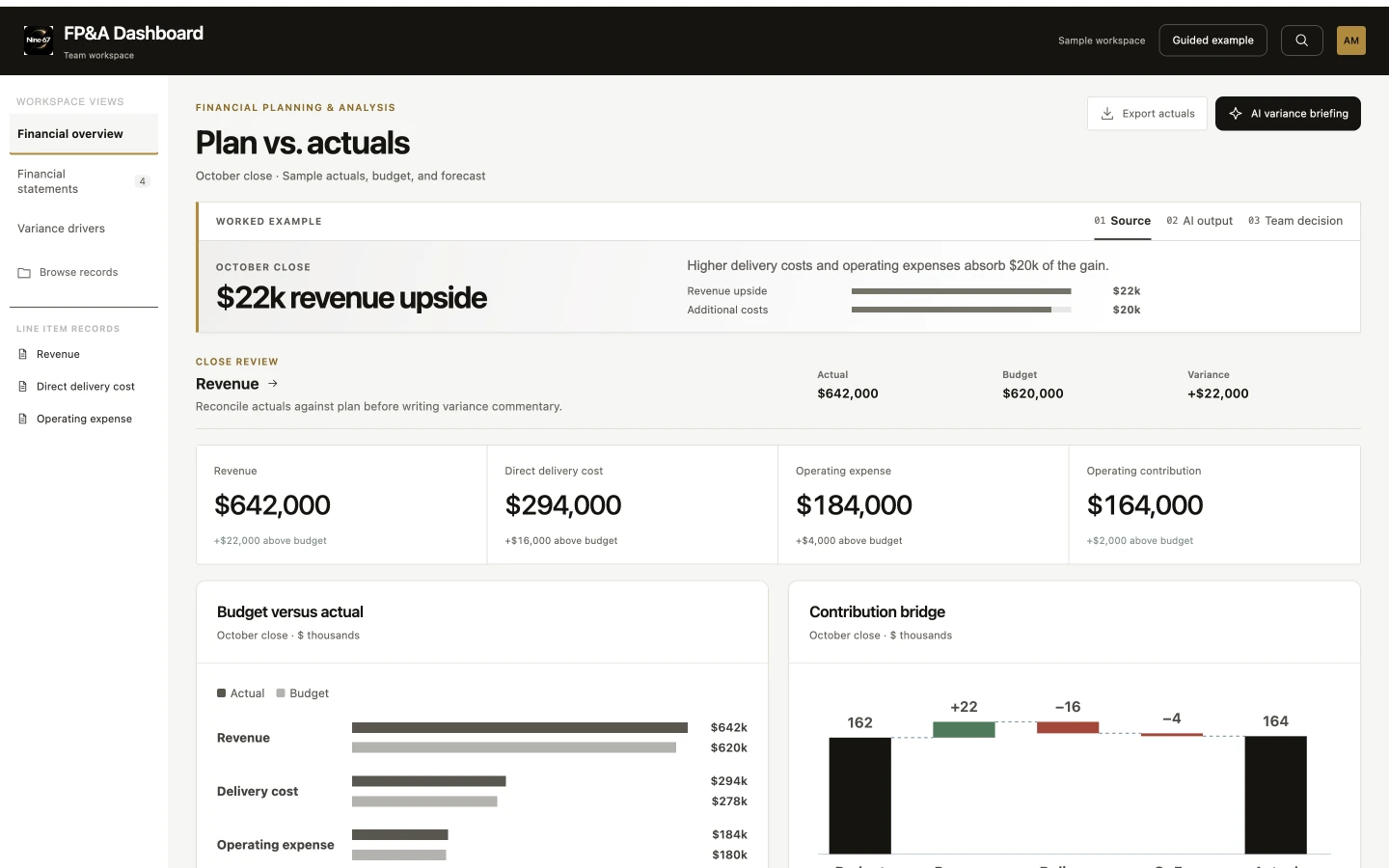 FinanceFP&A DashboardSee why the numbers moved.See the application
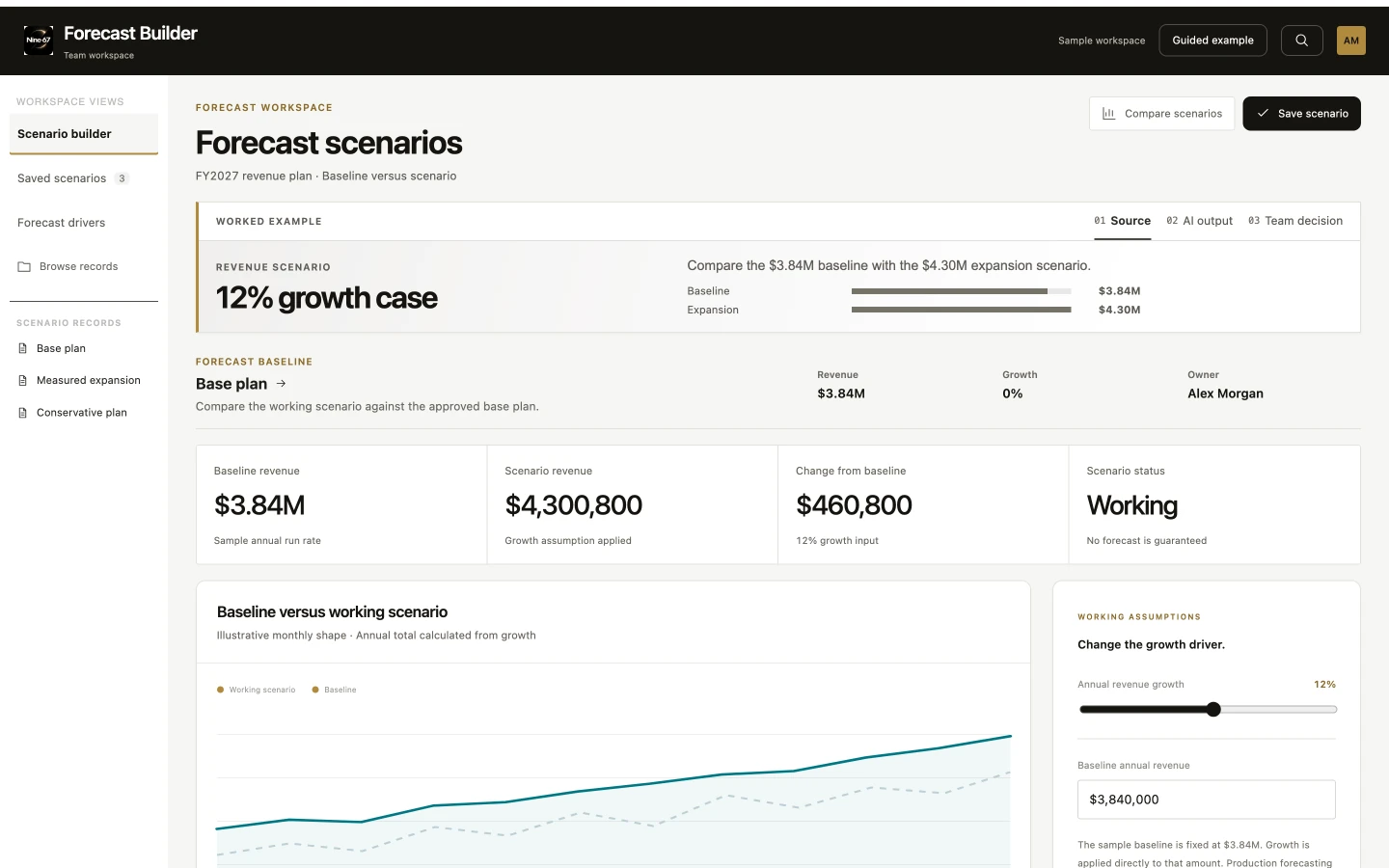 FinanceForecast BuilderA forecast you can explain, line by line.See the application
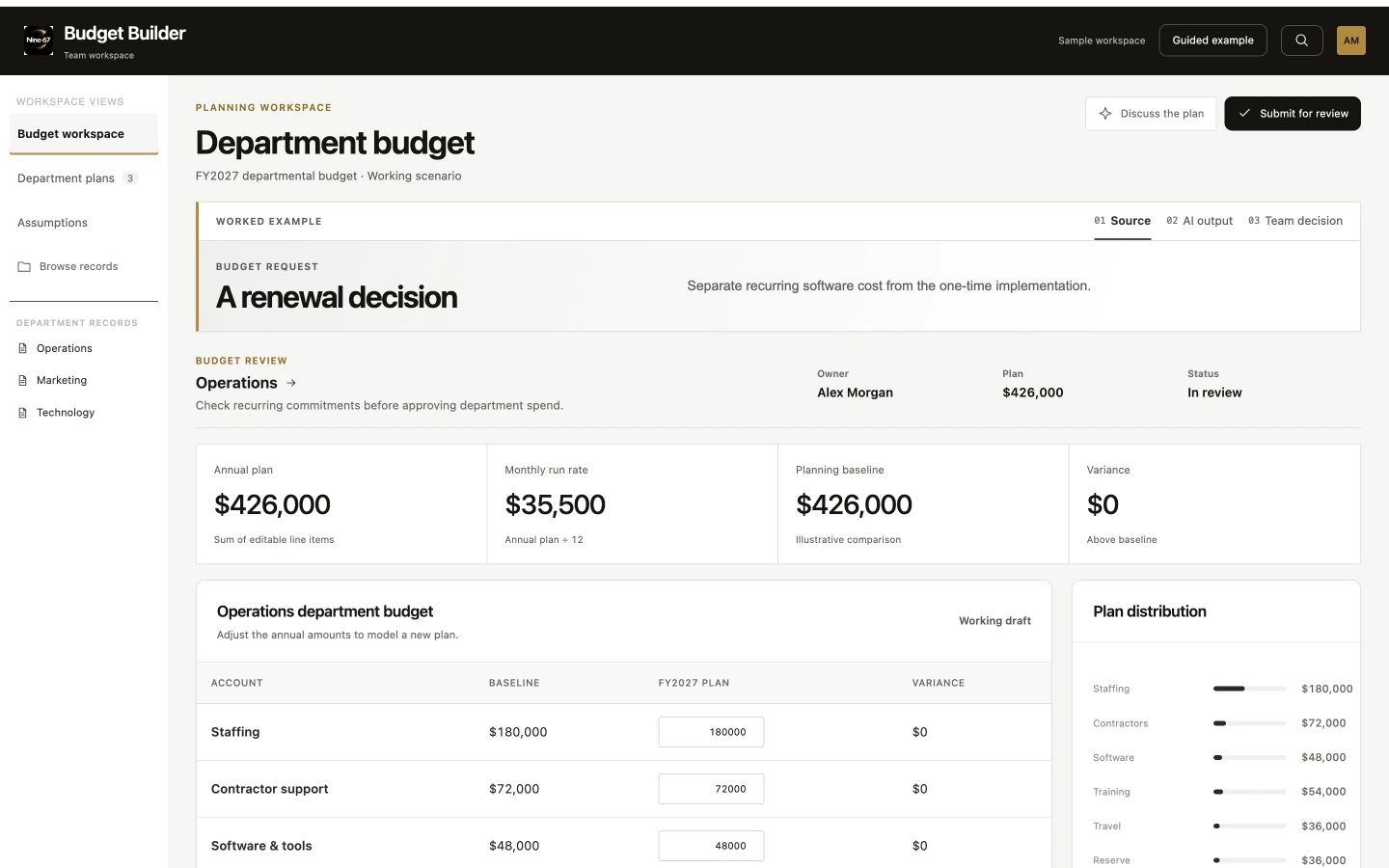 FinanceBudget BuilderBuild the budget with every assumption in view.See the application
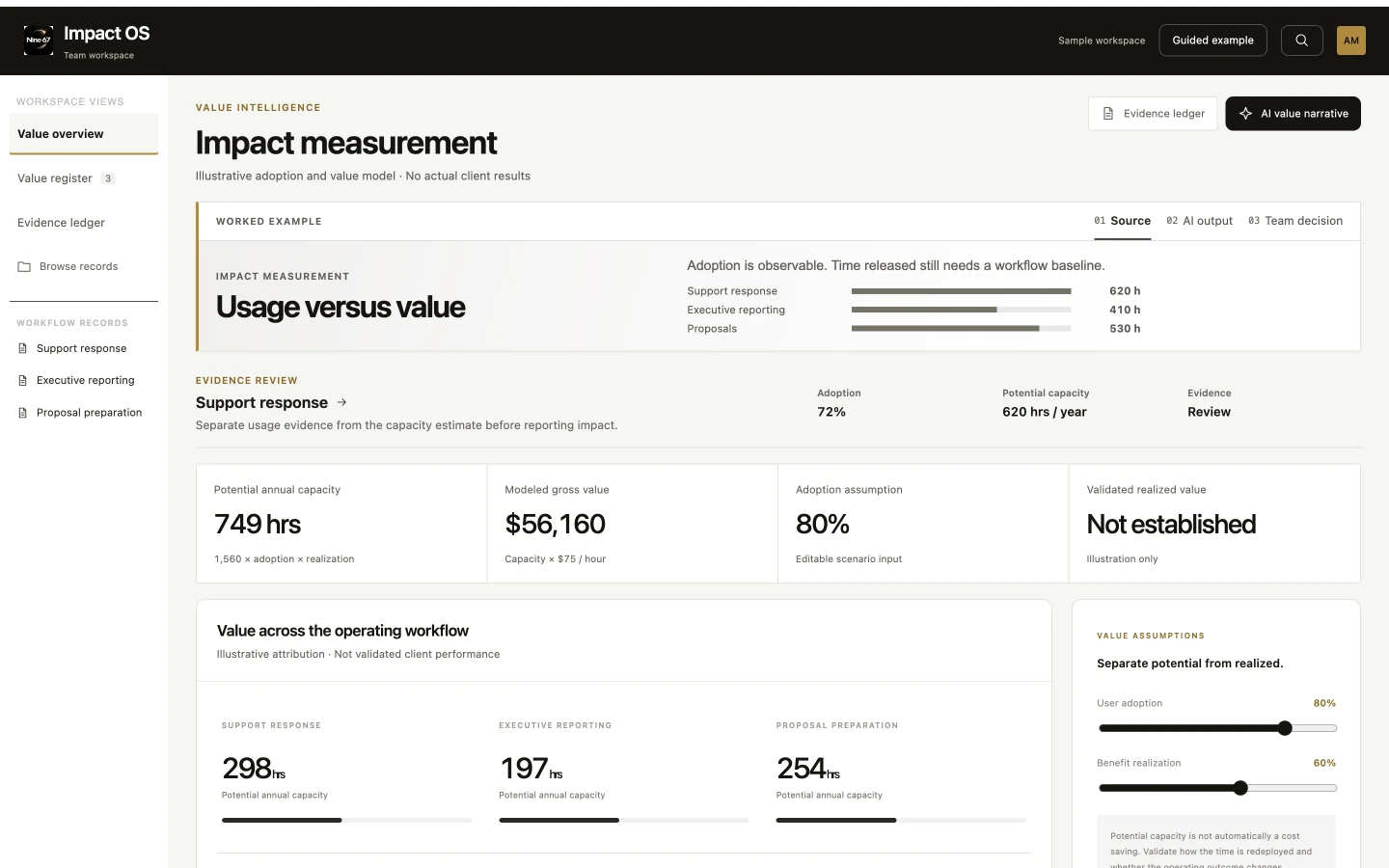 LeadershipImpact OSTrack the value AI has delivered.See the application
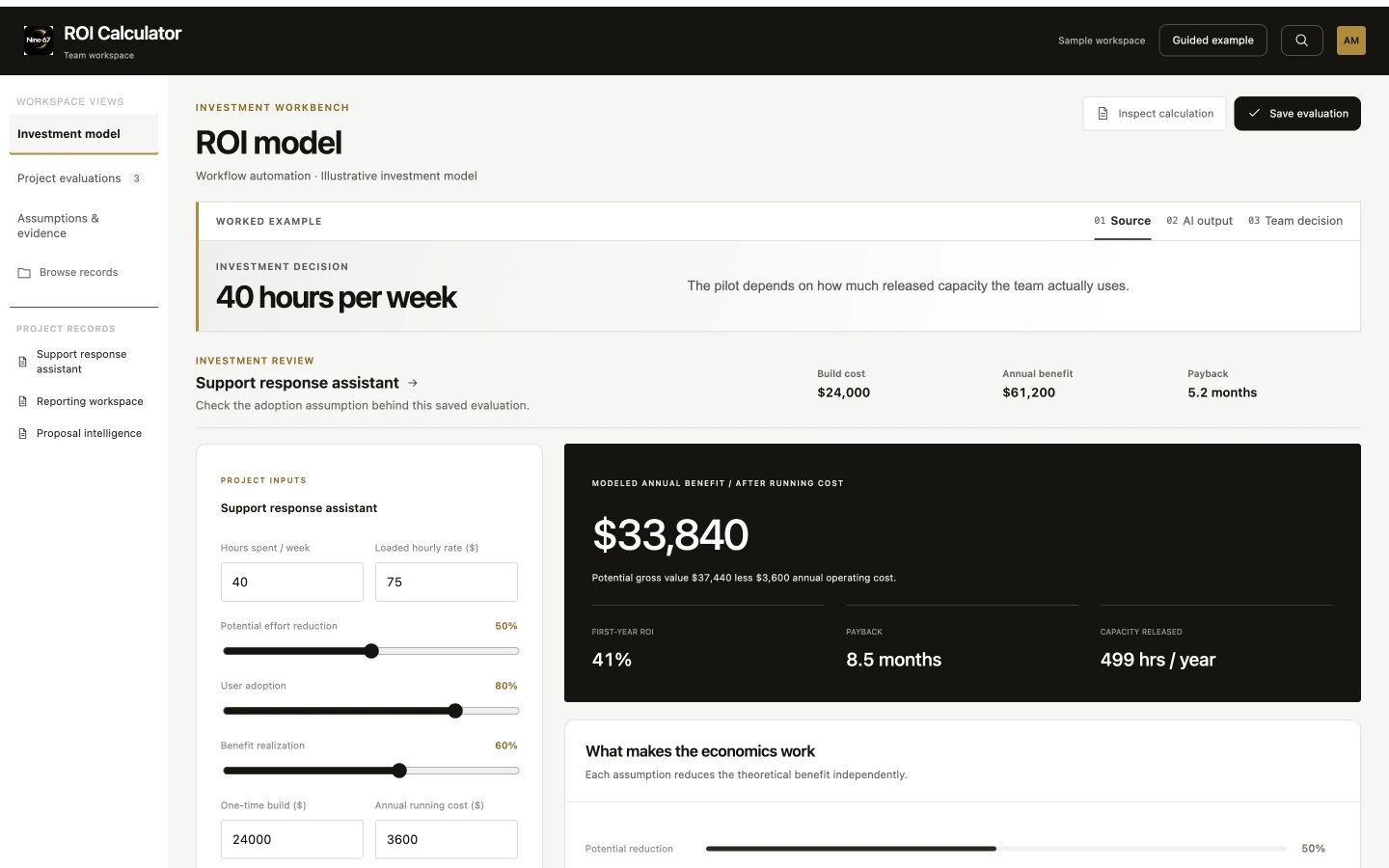 LeadershipROI CalculatorPressure-test the investment case.See the application
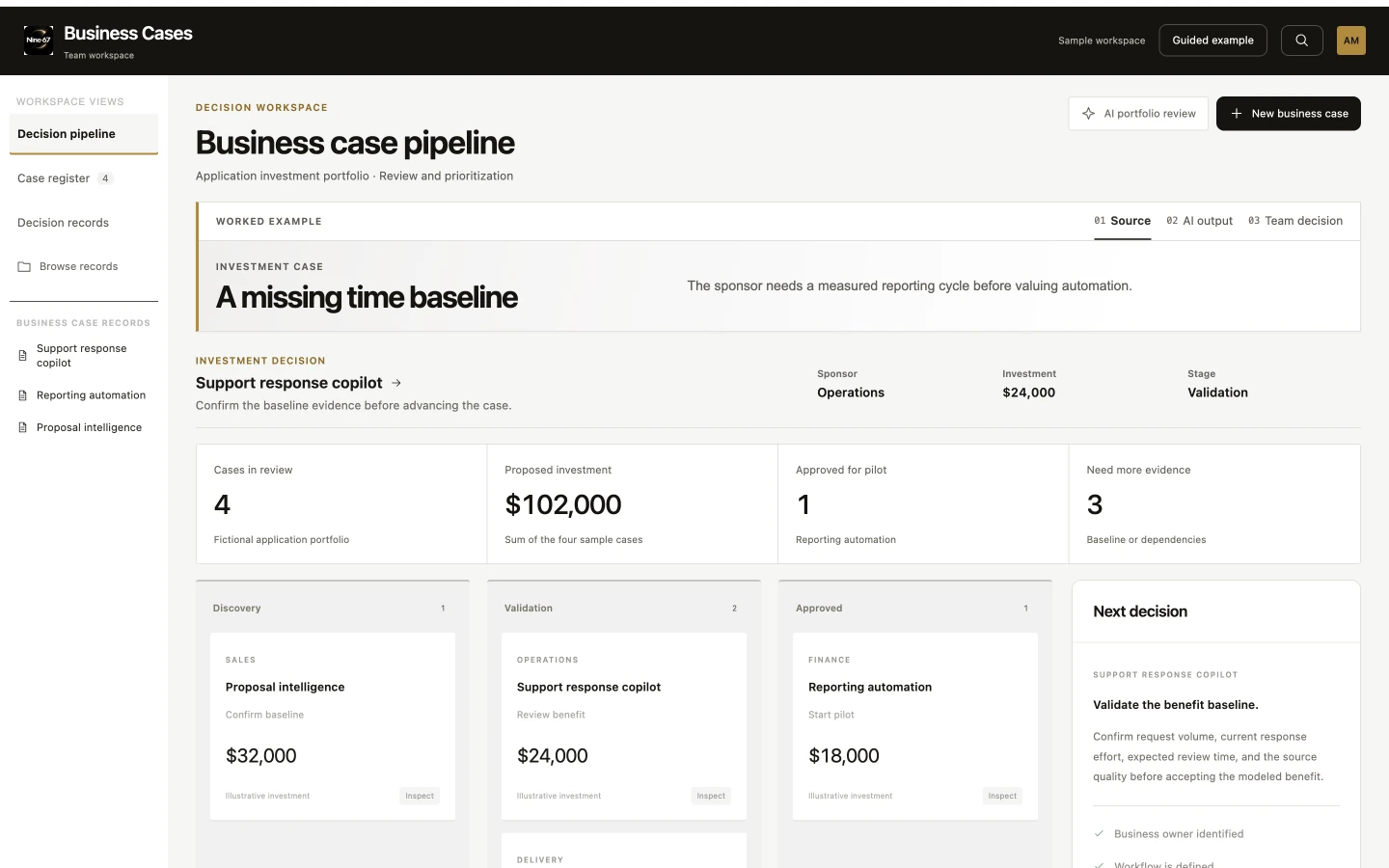 LeadershipBusiness CasesEvery investment decision with its evidence attached.See the application
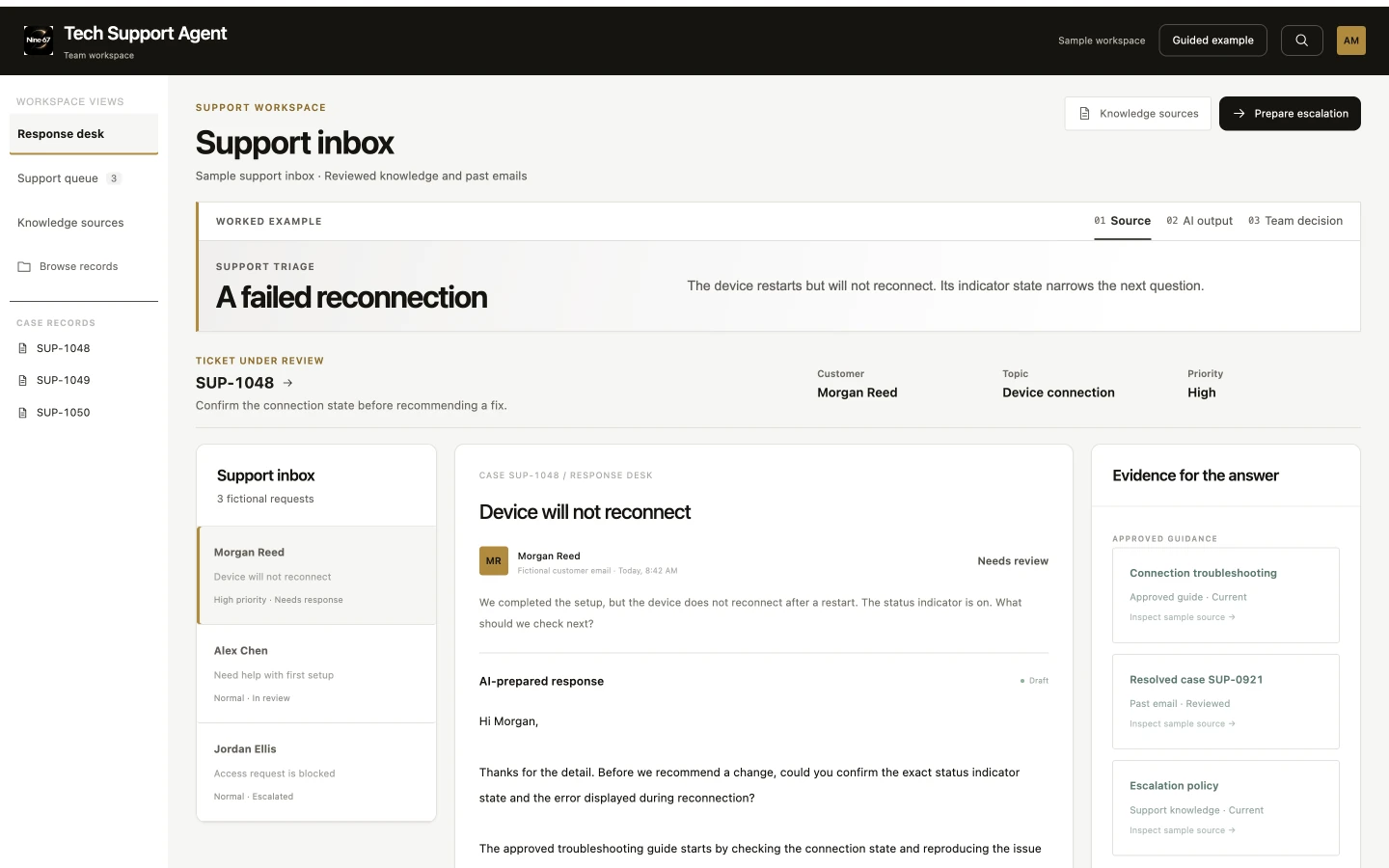 Client serviceTech Support AgentDraft support replies from your own past answers.See the application
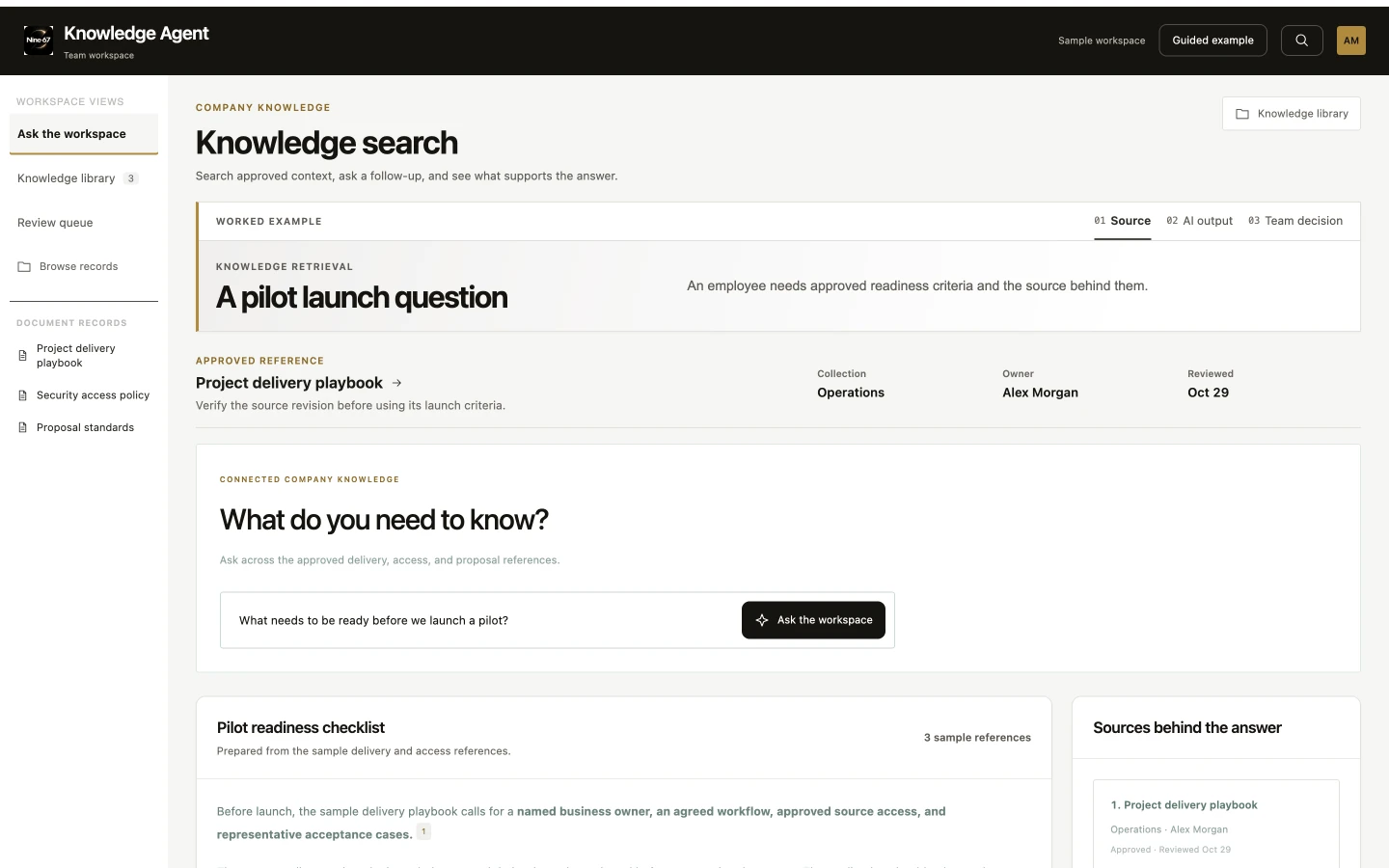 OperationsKnowledge AgentAnswers from your own documents, with the source shown.See the application
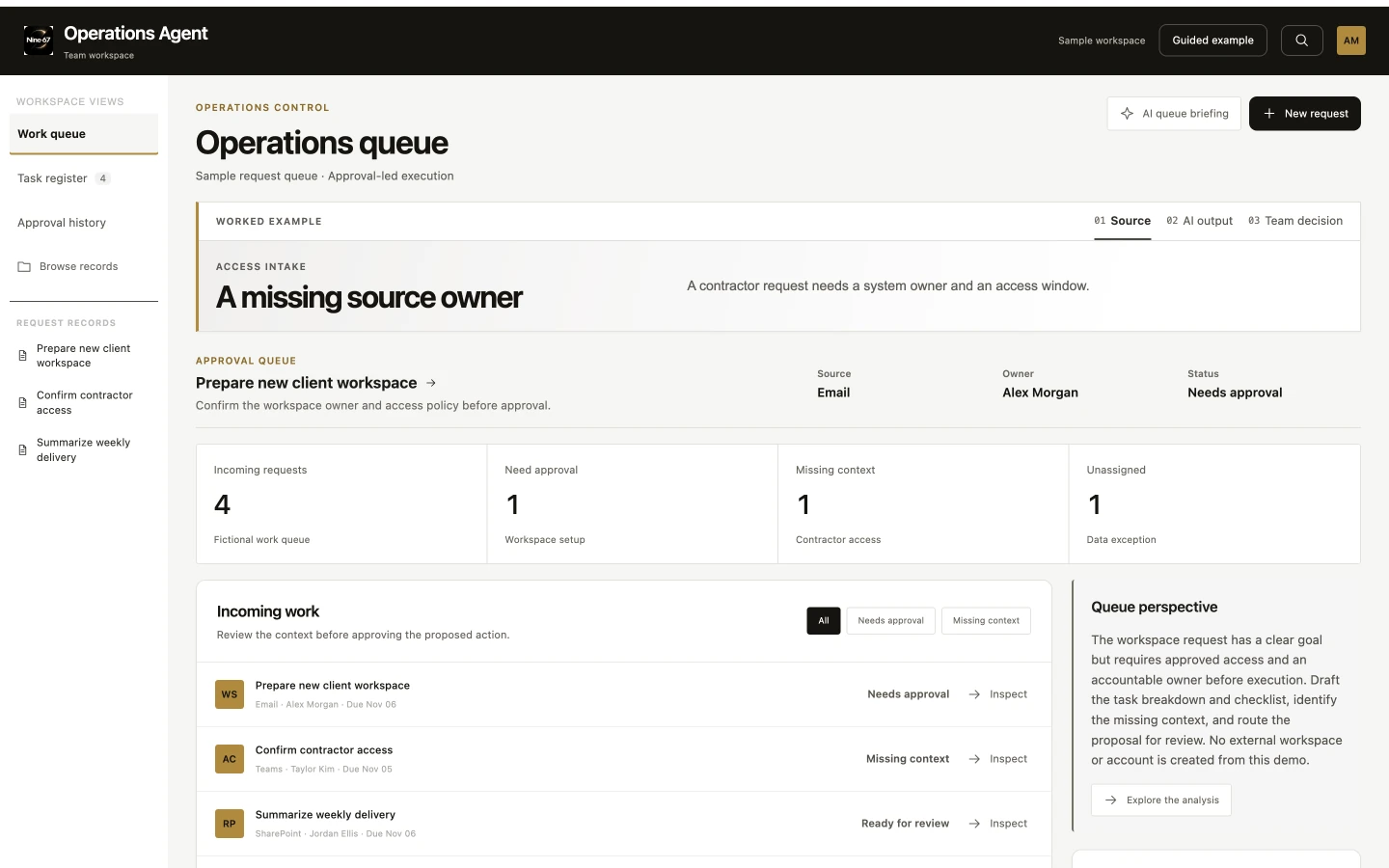 OperationsOperations AgentRequests sorted, routed and ready for sign-off.See the application
Our process
Built with your team. From first workflow to daily use.
We lead the design and engineering. Your team brings the business context, reviews the work, and helps shape something useful.
Understand & design
Start with one workflow. Map the task, information, handoffs, and outcome before choosing the solution.
- Who is involved
- Business owner + people doing the work
- What you get
- A focused scope, prototype, and agreed success measures.
Connect & build
Bring in approved information and develop a working application through short reviews with your team.
- Who is involved
- System owners + representative users
- What you get
- A working application with clear AI responsibilities and review points.
Test, launch & improve
Test realistic cases, launch with a small group, and refine the experience through feedback and actual use.
- Who is involved
- Workflow owner + users + subject experts
- What you get
- An agreed handoff, adoption plan, and measures for ongoing review.
The working rhythmWalk through the workReview something tangibleTest with real examplesLaunch with a small group
Full process and team roles
Your people and our build team
A working team. A clear role for everyone.
We work alongside the people who own and perform the workflow. You provide the business context and decisions; Nine-67 leads the design, engineering, testing, and delivery.
- 01Business ownerSets the direction
Agrees on the business outcome, priorities, scope, and acceptance.
Discovery · key decisions · outcome reviews
- 02People doing the workMake it practical
Show the current process, share examples and exceptions, and test the working application.
Workflow walkthrough · prototype reviews · pilot
- 03IT & system ownersEnable the connections
Confirm the approved environment, access, permissions, data sources, and security requirements.
Access planning · integration reviews · launch
- 04Subject matter expertsValidate specialist work
Review domain-specific answers, rules, and edge cases when the application needs expert judgment.
Targeted reviews · AI evaluation · acceptance
How we determine the commitment
We scope the work before we ask for your time.
The number of workflows, systems, data sources, user roles, and approval requirements determines who needs to participate and when.
- Map the workflowIdentify tasks, handoffs, exceptions, and the people involved.
- Identify dependenciesConfirm data access, integrations, expertise, and decision makers.
- Agree the resource planName the participants, their tasks, estimated time, and review milestones.
Your commitment is visible before the build. Expect more involvement during discovery and user testing, with short reviews during development. We agree the actual hours and cadence with you for the selected scope.
Security and access
We work inside your environment.
Your information stays in your systems, under your sign-in and your settings, from the first day of the build.
Inside your environment
The work happens in the systems your business already controls. Our team works from email accounts you issue to us in your own system.
Read-only access
We read your information to build the application. Your records stay exactly as they are.
Only what the application needs
Our access covers the files and information the application uses, and it stops there.
Your AI models, your settings
Applications run on the AI models your business provides, under your own subscriptions to models such as Claude and Codex. We build with model training on your data switched off, and your team can manage those settings directly.
Your sign-in
People sign in the way they already do. Where a business signs in with Microsoft, every application uses that same sign-in.
Who you meet
Meet Suuchi and Josh.
30 minutes, focused on your business.

Suuchi Ramesh
Founder and CEO
Suuchi founded and led a supply chain software company through to its acquisition. At Nine-67, she leads the work of building AI into the way each client's business runs.
Suuchi on LinkedIn →
Josh Lee
COO
Josh is an operations leader who has founded two technology companies. He turns complex business processes into AI applications people use every day.
Josh on LinkedIn →Questions
Questions and answers
What does Nine-67 build?
Nine-67 builds custom AI applications around the way your business already runs. The applications read, compare and draft. Your people decide.
Can I try an application before we talk?
Yes. Every application page has an interactive demo you can open and use. Pick your industry first and each demo shows an example from that industry.
Does it work with the systems we already use?
Yes. Applications are built on the systems you already run. Tell us which ones in the meeting and we will show you how it would connect.
What happens with our data?
Applications start from information you approve, in the tools you already use. Access, permissions and who reviews the output are agreed with you before anything is built.
Do our people stay in control?
Yes. AI finds, compares or drafts within a defined workflow. Your team checks the evidence, handles exceptions and approves the output.