Sales
Lead Response
Follow-ups drafted for each lead.
Use the campaign brief and attendee context to draft a response your team can edit.
Choose an industry and the demo shows an example from it.
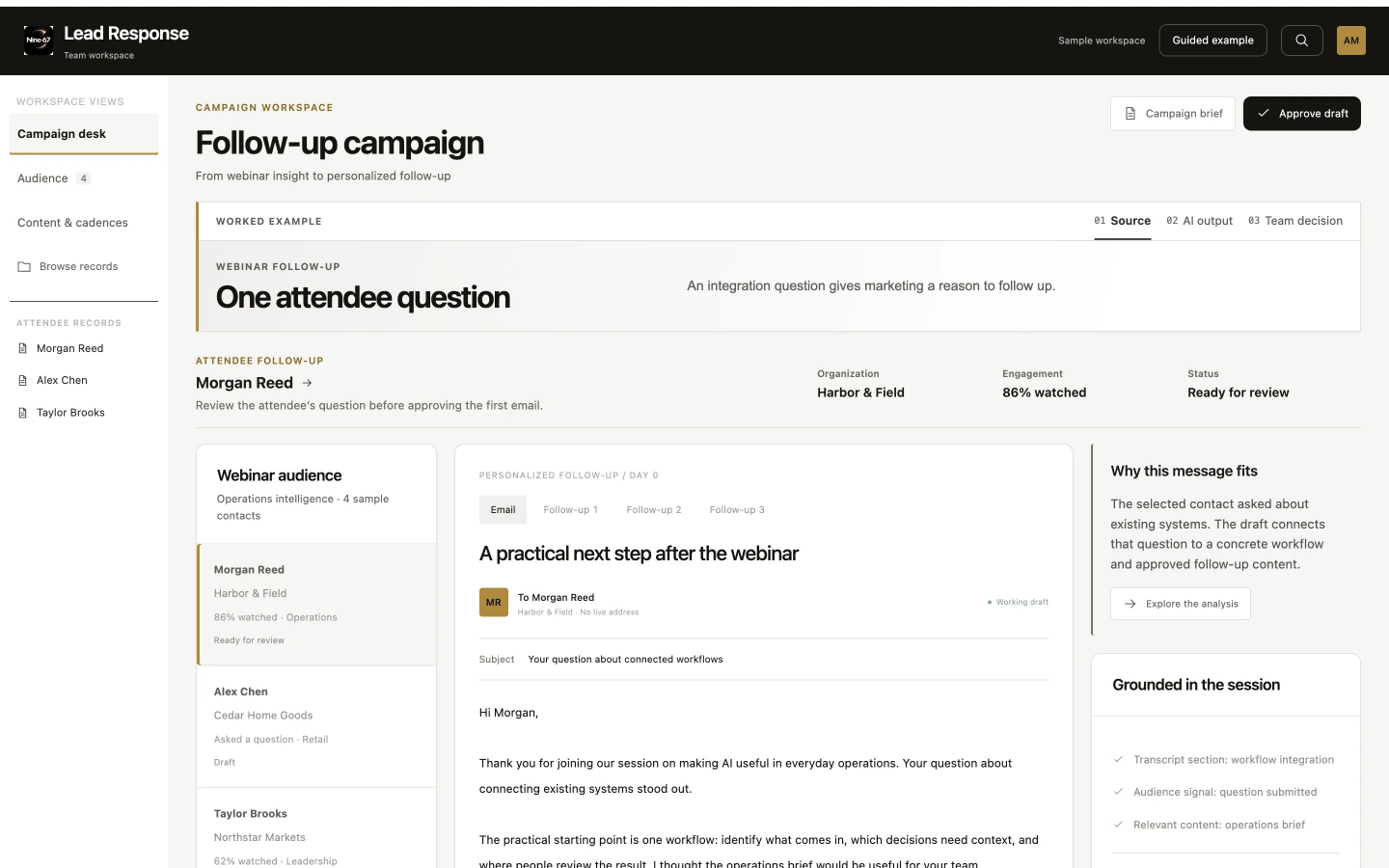
This demo uses fictional data and sample AI responses.
How it works
How Lead Response works
What goes in
Campaign brief and audience context
The AI will
Draft and compare follow-up messages
Your people decide
The account owner approves the message
The problem it solves
Webinar follow-up takes too long and sounds the same for every attendee.
- What goes in
- Webinar recordings or transcripts, approved content, and attendee engagement data.
- What the AI does
- Identify key themes, adapt the message to attendee interests, and draft a first email plus three follow-up schedules.
- What you get
- Email drafts for each audience and a follow-up schedule to review. Marketing approves content and recipients before anything is sent.
- Who uses it
- Marketing campaign owner and a content approver.
- Where it connects
- Webinar platform, approved content, and CRM or email workflow.
- How you measure it
- Time to prepare drafts, and how relevant the approved messages are.