Client service
Client Data Hub
See what is behind every number in the report.
Explore account reports and the information behind the findings.
Choose an industry and the demo shows an example from it.
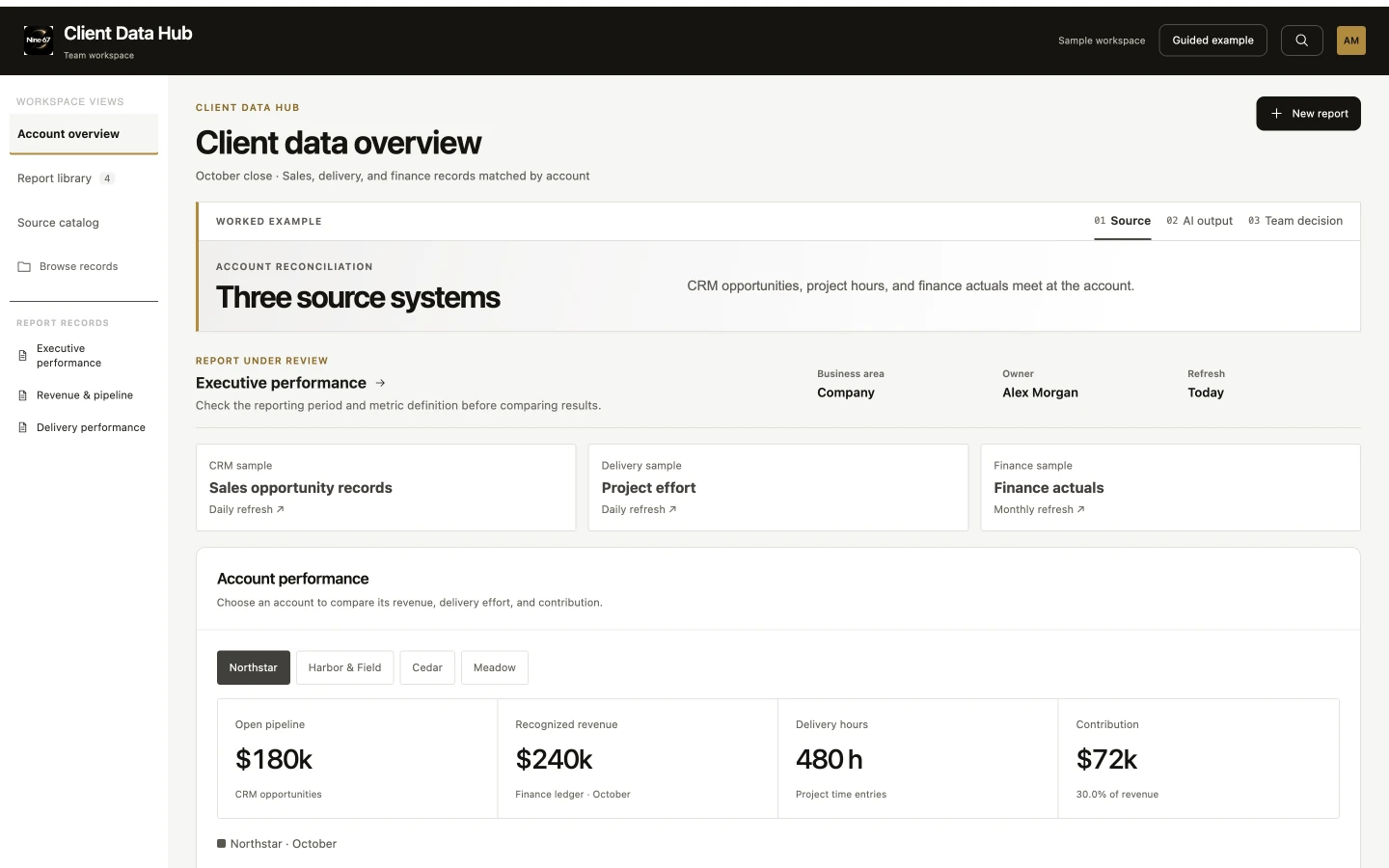
This demo uses fictional data and sample AI responses.
How it works
How Client Data Hub works
What goes in
Account reports and approved source information
The AI will
Explain report findings using available context
Your people decide
Your team validates the interpretation
The problem it solves
Reports sit in different places, and your team struggles to connect what they show.
- What goes in
- Approved reports, dashboards, source documents, and reporting definitions.
- What the AI does
- Find relevant reports, connect themes, summarize results, and explain an answer with links back to its sources.
- What you get
- An answer with supporting context and a consolidated view. Analysts check source dates, definitions, and conflicting evidence.
- Who uses it
- Reporting owner, analysts, and source-system owners.
- Where it connects
- Approved report libraries and analytical data sources.
- How you measure it
- Time to find the right report, and whether each answer traces back to its source.