Operations
Collaboration Workspace
Projects, files and decisions in one place.
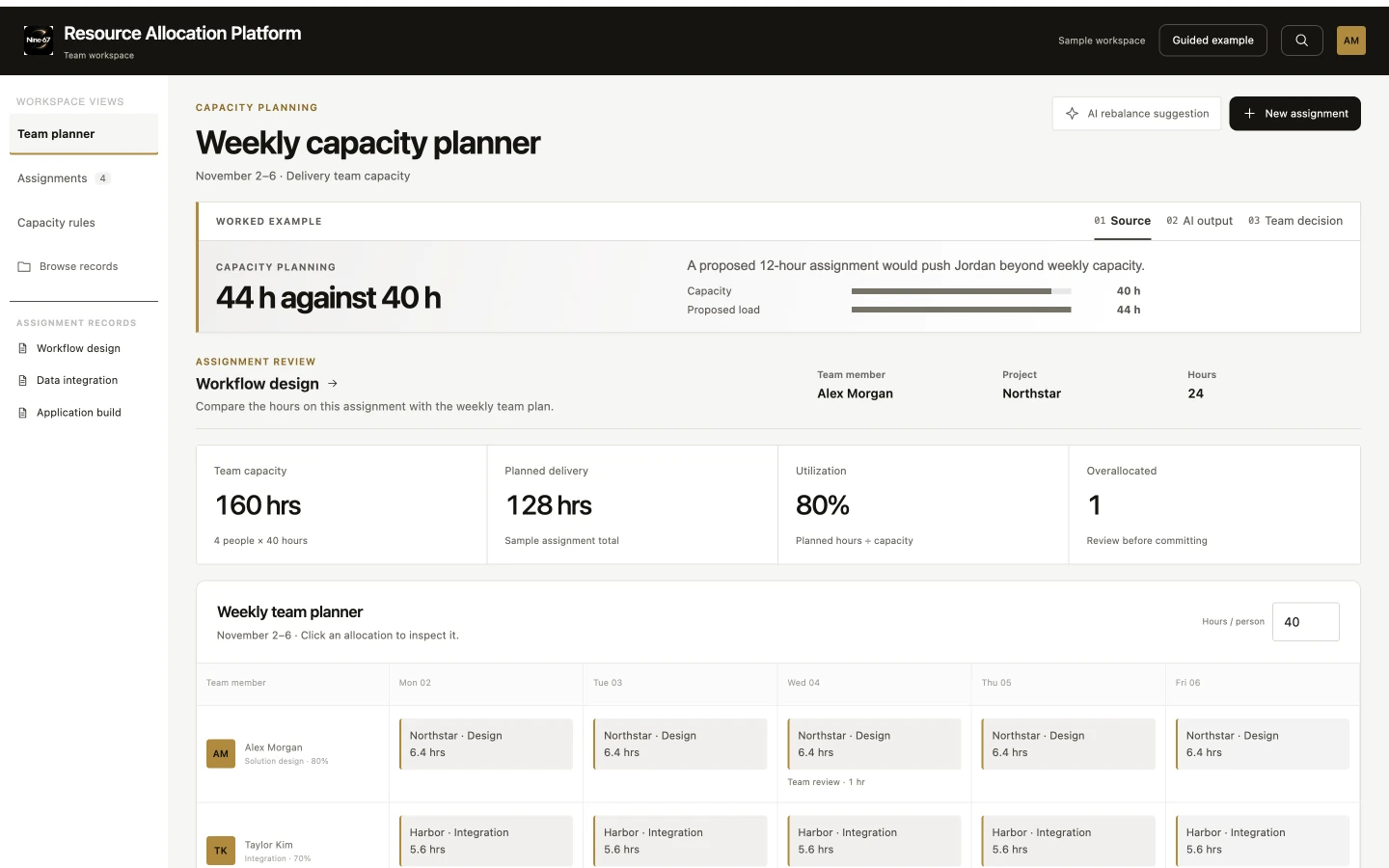
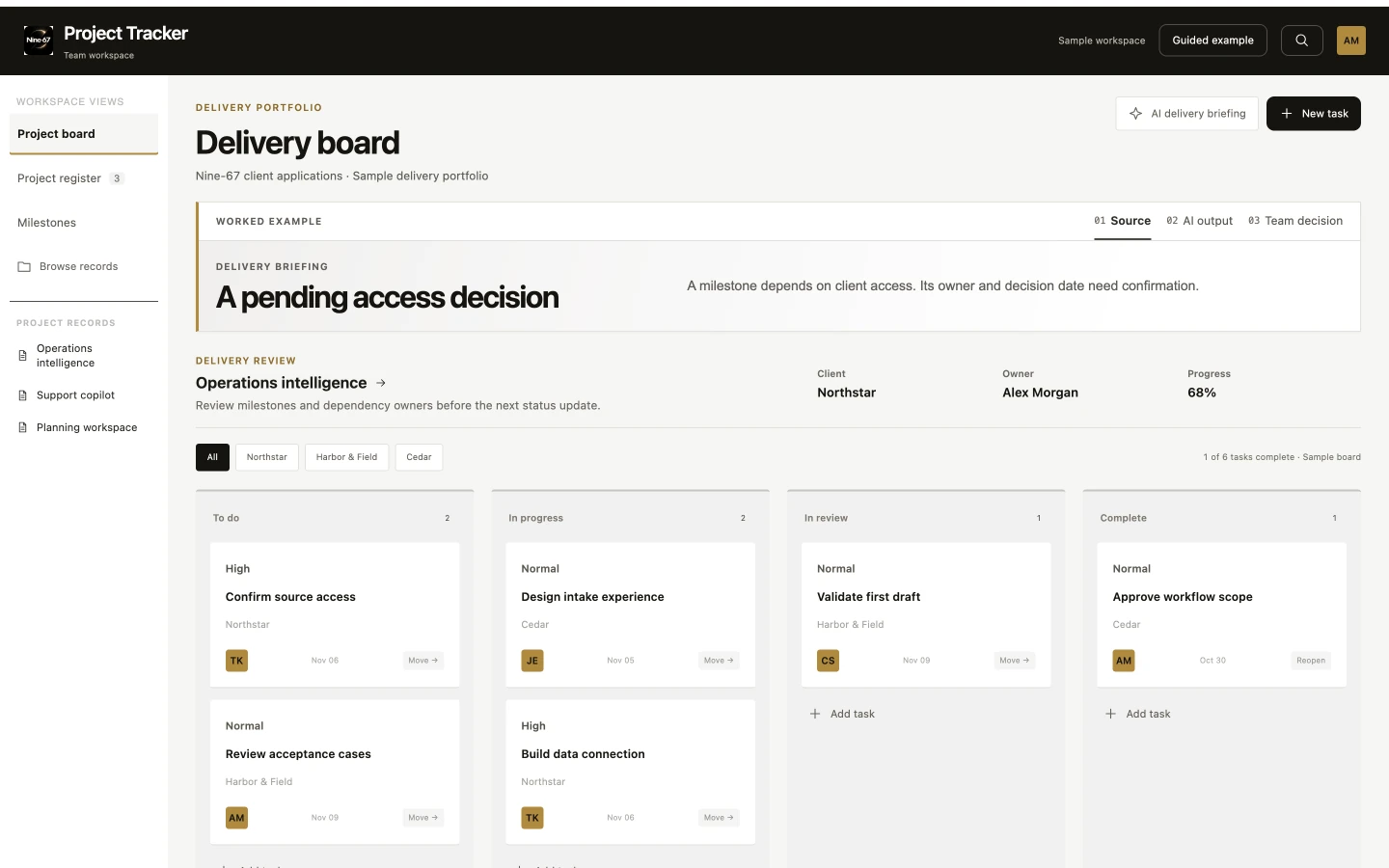
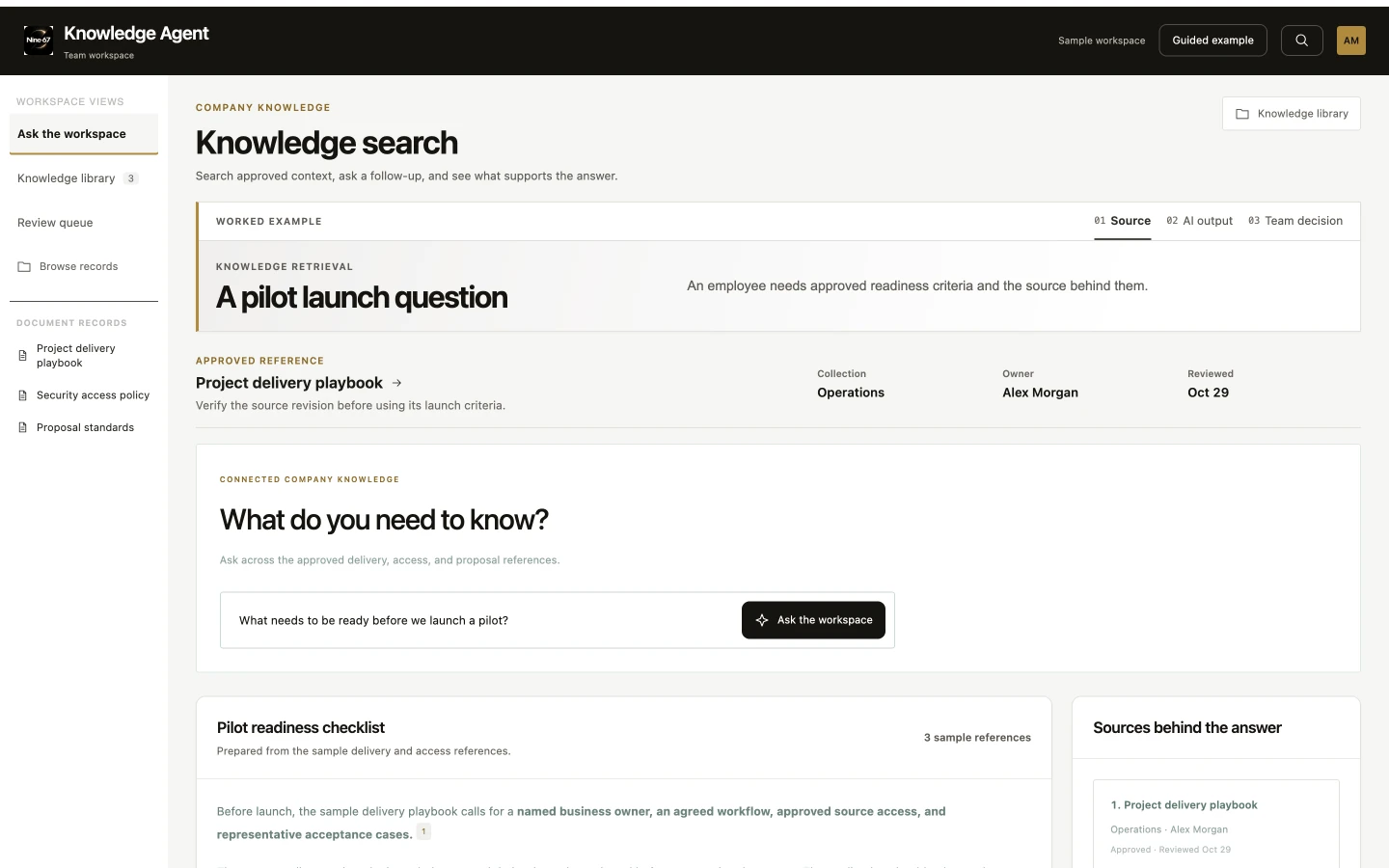
Bring project updates, plans, files and decisions into a shared view.
Choose an industry and the demo shows an example from it.
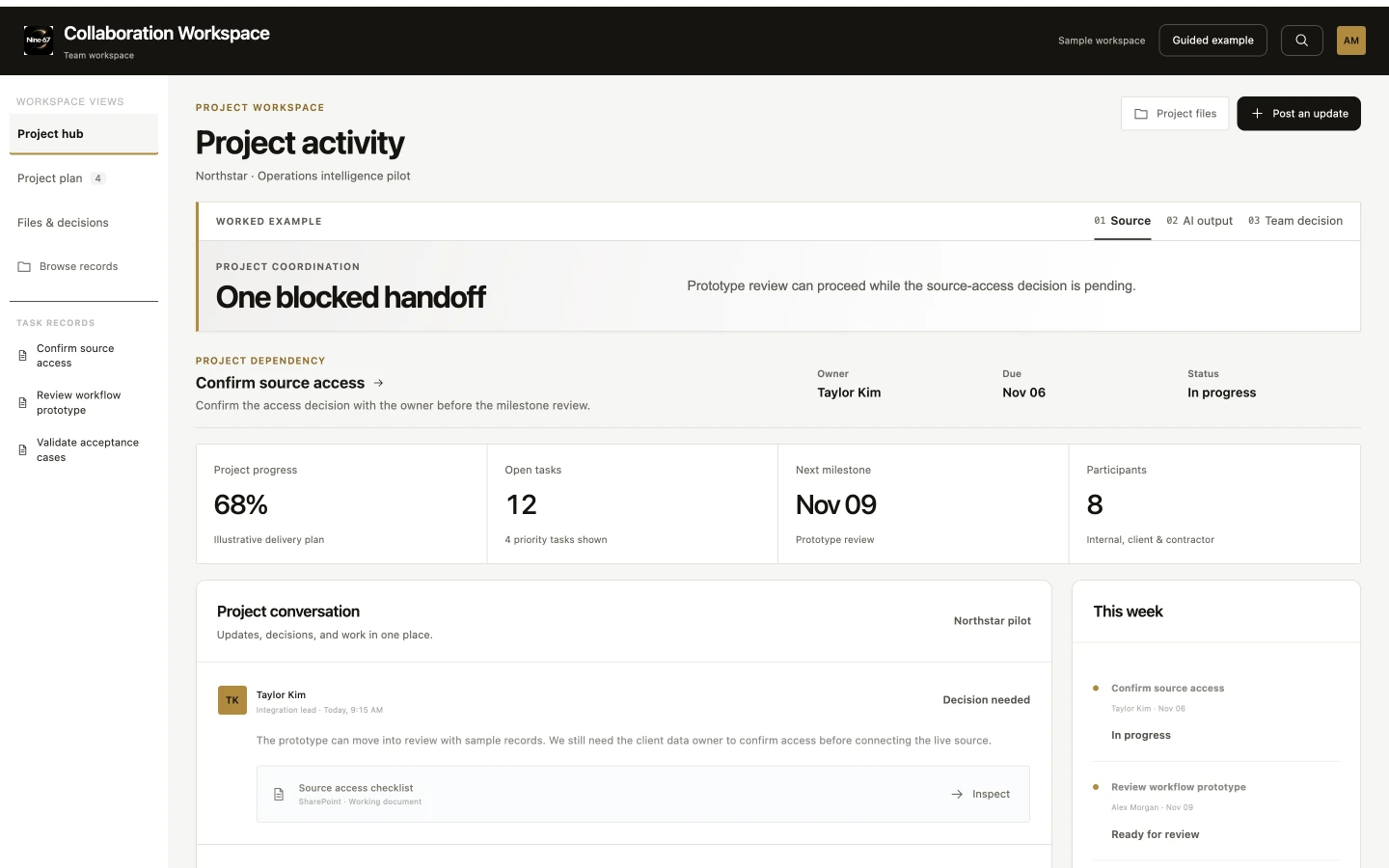
This demo uses fictional data and sample AI responses.
How it works
How Collaboration Workspace works
What goes in
Project plans, files and team updates
The AI will
Prepare project summaries and surface missing context
Your people decide
The project team agrees on the next step
The problem it solves
Project decisions and files are scattered across conversations and systems.
- What goes in
- Approved Teams discussions, SharePoint documents, project tasks, decisions, and role permissions.
- What the AI does
- Summarize activity, surface unresolved questions, draft action lists, and answer questions using the material a user is allowed to access.
- What you get
- A shared project brief and proposed next steps. Owners verify decisions, assign work, and control client and contractor access.
- Who uses it
- Project owner, internal users, and client or contractor representatives.
- Where it connects
- Teams, SharePoint, and role-based project access.
- How you measure it
- Time to find decisions and resolve outstanding dependencies.